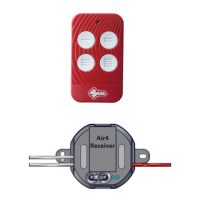
Air4 Universal Receiver
Copyright Silca S.p.A 2020. All right reserved
4
English
INSTALLATION
The installaon must be performed in such a way as to provide for all precauons in case of re or
electric shock. The device is a sub assembled (component). It is the responsability of the manufacturer
or installer of the device in the nal system to ensure that the system is safe.
The installaon of the appliance must be carried out by expert personnel, or by a person with educaon
or experience such as to allow the idencaon of hazards and take appropriate acons to reduce the
risk of injury to themselves and others.
The Air4 Universal Receiver can be installed into old and new automaons.
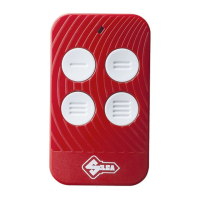
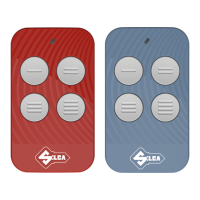
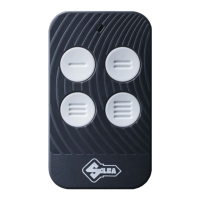
Air4 Universal Receiver comes with an Air4 remote control (frequency 433-868 MHz). The code for the
Air4 Universal Receiver is already memorised on buon ‘1’, and buons 2, 3 and 4 are blank, ready for
memorising remote controls linked to other automaons (gates, garages, barriers, etc.)
Where to install Air4 Universal Receivers and why
• On automaons where the exisng receiver is full (no further remote controls can be memorised).
• On automaons where the exisng receiver no longer works.
• On automaons where the user wishes to transform an old system with a quartz type remote control
into a rolling code type.
• In automaons where the original remotes are lost or no longer work.
Installing the Air4 Universal Receiver - Switch o the electricity supply
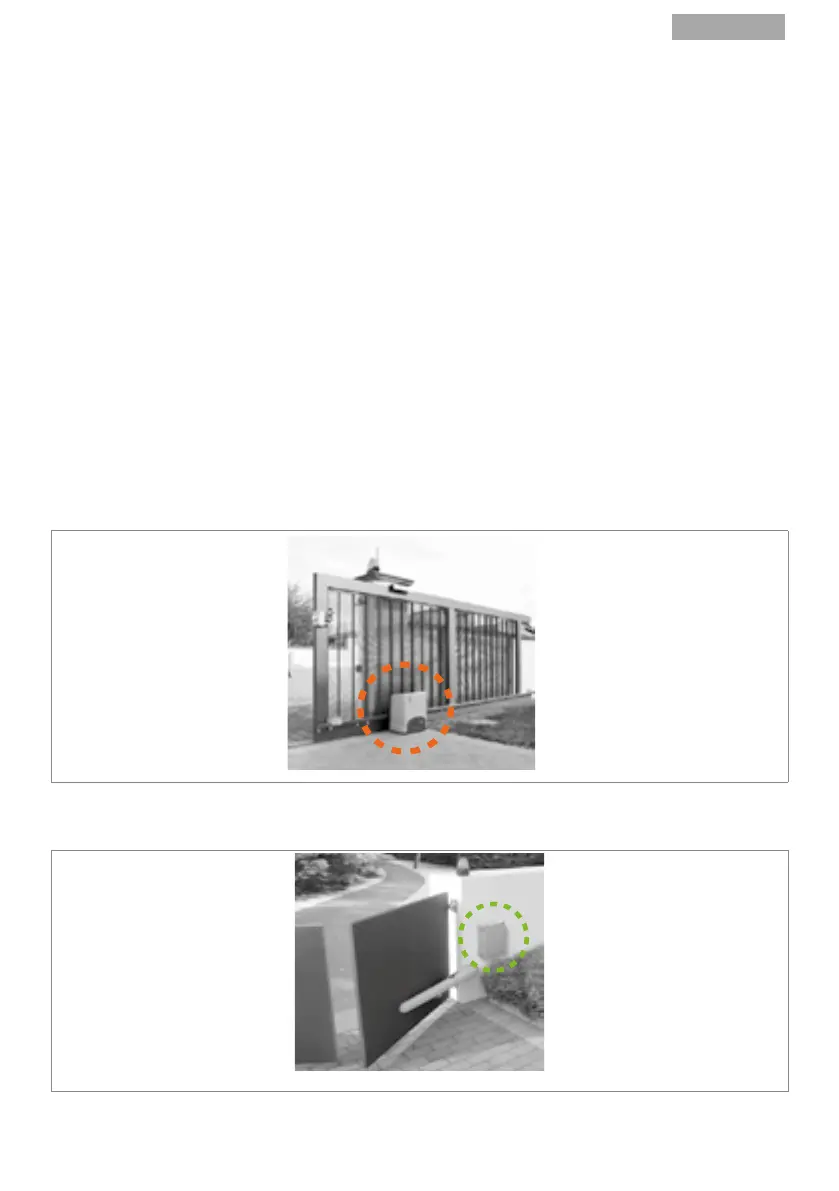
1. Find the gate control unit and open it.
- On sliding gates or barriers the control unit is usually housed in the box containing the electric
motor (Fig.2)
FIG.2
- On swing gates or overhead doors the control unit is usually housed in the box close to the au-
tomaon system (Fig.3).
FIG.3


 To Next Page
 Loading...