UM_FULL_53SL_REV_A 4
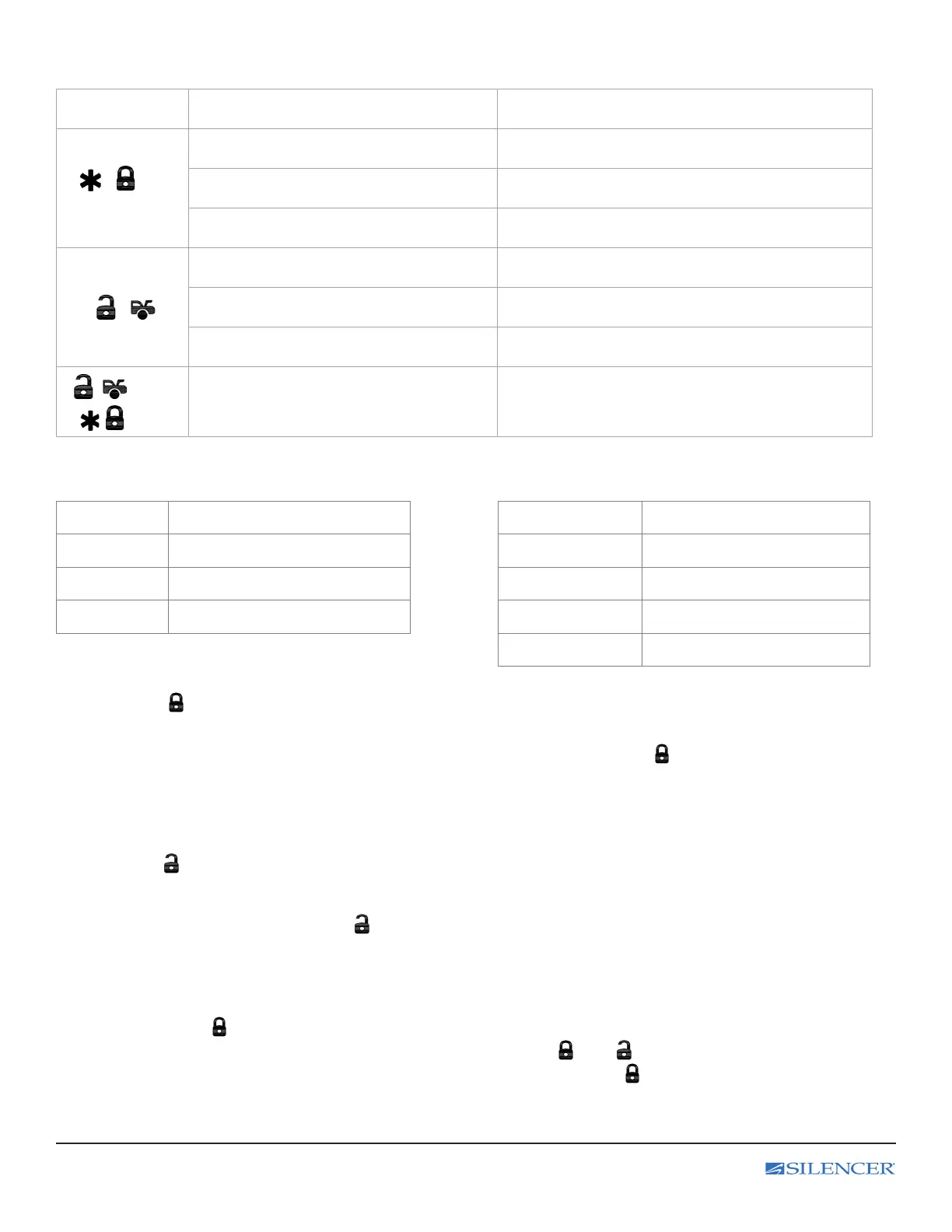
C. 2-BUTTON REMOTE TRANSMITTER OPERATION
2-Button
Transmitter
System Function Remark
/
Lock Doors Press the Lock button and 1 LED ash
Activate or Deactivate the Remote Start Press and hold for 1.5 seconds and 2 LED ashes.
Activate or Deactivate the Panic. Press and hold for 3 seconds and 3 LED ashes
/
Unlock Doors Tap the Unlock button for a half second
Silent Unlock Doors Press and hold for 1.0 seconds and 1 LED ash
Trunk Release Press and hold for 3 seconds and 2 LED ashes.
( / ) +
( / )
Shutdown Diagnostic Press together & release
D. CHIRP INDICATORS PARKING LIGHT
Chirp Function
Parking light Function
1 Chirp Lock 1 Flash Lock
2 Chirps Unlock 2 Flashes Unlock
6 Chirps Car Locator 12 Flashes Car Locator
Constant On Under Remote Start
E. DOOR LOCKING
1. Press the button on the transmitter.
2. The system will lock the doors (if connected), and the horn chirps and parking lights ash once.
SILENT LOCKING (For 4-button transmitter only): Press and hold the transmitter buttons for 1.0 second.
The system will lock the doors. No chirp sound will be heard and the lock conrmation will be through the
vehicles parking lights only.
F. DOOR UNLOCKING
1. Press the button,
2. The horn will chirp twice and the parking lights will ash twice indicating that the system now unlocked the doors.
SILENT LOCKING: Press and hold the button for 1.0 second. The system will unlock the doors.
No chirp sound will be heard and the unlock conrmation will be through the vehicles parking lights only,
G. PANIC FUNCTION
Press and hold the button for 3 seconds to activate the personal protection alarm. During panic mode, the normal
function of the transmitter buttons will be suspended. The transmitter and buttons can be used to lock and
unlock the door (if the option is installed). To stop the alarm, press and hold the button on the transmitter again for
3 seconds. The system will automatically stop after 30 seconds.



 To Next Page