UM_FULL_55SL_REV_A 12
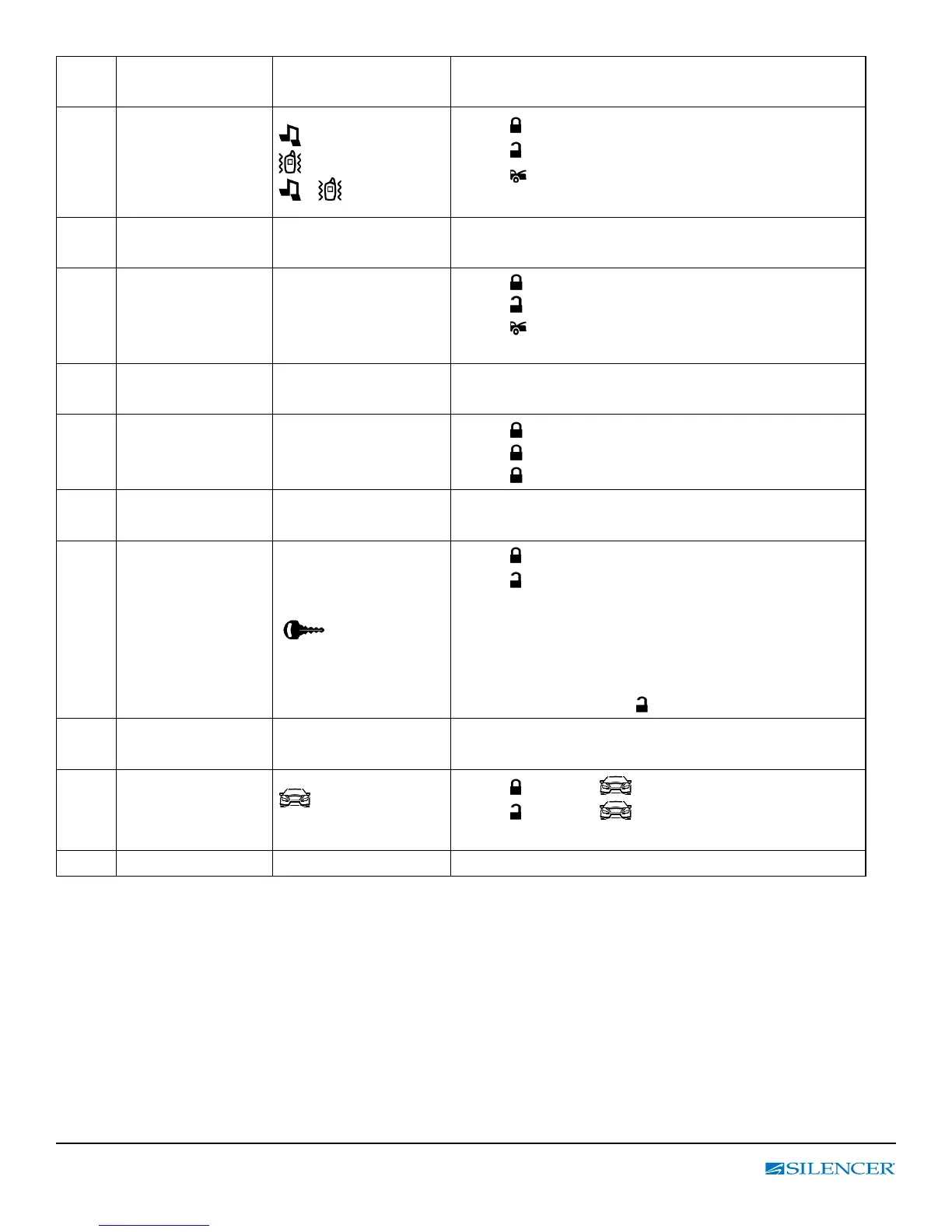
5th Function Indicator
Setting
21 5 Default is Buzzer
Transmitter conr-
mation by melody or
vibration or both
or
or
+
Press button = Melody (3 presses = both)
Press
button = Vibration (3 presses = both)
Press
button conrm the selection, move to
next option (21 6).
6th Second Car System
Control
21 6 Default is CAR 1 (C – 1)
C – 1 or C - 2
Press
= CAR 1 operation (C – 1).
Press
= CAR 2 operation (C – 2)
Press
button conrm the selection, move to
next option (21 7).
7th Backlight turn off
delay
21 7 Default is OFF
3 SEC. or
5 SEC. or
OFF
Press
1 time = 3 sec.
Press 2 times = 5 sec.
Press 3 times = OFF.
8th Transmitter Button
Lock
21 8 Default is OFF
(Flashing)
Press
button = Enable (Icon ashing) or
Press
button = Disable (Icon not displayed)
Note: Once the button lock feature is active you
must re-enter programming mode to turn it off.
Press & hold “ F “ button until 2 beeps are heard
then release. You will auto skip to the 21 8
program mode Press
button to disable.
9th CAR ICON Illumina-
tion
21 9 Default Car icon is OFF
Icon displayed or not
Press
button = always displayed or
Press
button = displayed when required
by the 2- way information system
10th No Setting 21 10 No Setting Available



 To Next Page