Oculus – Installer's Guide
Configuration switches
These switches set the address and protocol of the camera. If all switches are off then the address is taken
from the camera’s internal memory and can be set using the menu. The default for the internal memory is 1.
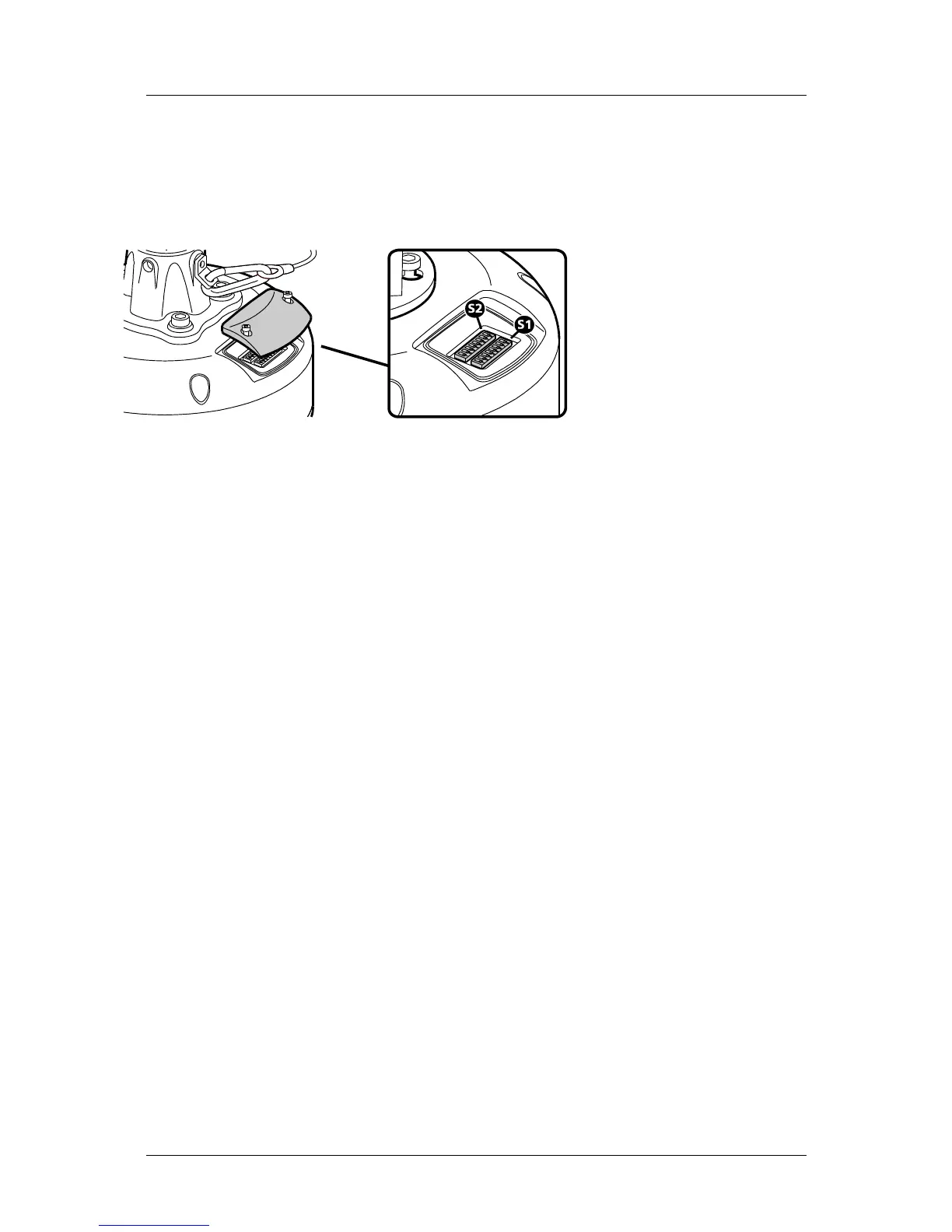
Settings related to telemetry control can be configured using two banks of switches (S1 and S2) located
behind a removable panel within the hub of the camera. To access the switches, remove the two retaining
screws and remove the panel:
Device ID address (block S1, switches 1 to 8)
The 8 switches are the binary code of the address so switch 1-1 is equal to 1, switch 1-2 to 2, switch 1-3 to 4,
etc. (powers of 2).
For instance, an address of 65 would be 1+64, requiring switches 1 and 7 to be on.
Some sample values are in the table below.
Camera S1-1 S1-2 S1-3 S1-4 S1-5 S1-6 S1-7 S1-8
address (1) (2) (4) (8) (16) (32) (64) (128)
0 Off Off Off Off Off Off Off Off
1 On Off Off Off Off Off Off Off
2 Off On Off Off Off Off Off Off
3 On On Off Off Off Off Off Off
4 Off Off On Off Off Off Off Off
5 On Off On Off Off Off Off Off
-
100 Off Off On Off Off On On Off
101 On Off On Off Off On On Off
-
255 On On On On On On On On
If all switches are off then the address is taken from the internal memory and can be set using the
communications menu. The default setting for the internal memory is device No.1.
The boot screen will indicate which address is selected and whether it was set by the switches or by the
firmware. [S] - Selected on Switches or [F] - Selected in Firmware/Menu.
Silent Sentinel SilSen DN122305 - v3.7
7



 To Next Page