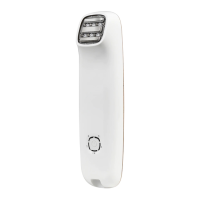
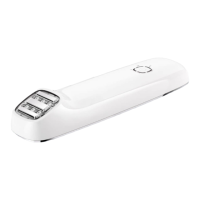
7. Place the treatment surface (#2) on the skin and press the pulse button
(#1) to deliver one pulse. Make sure your hand touches the base electrode
together with the pulse button (#1).
a
If you do not make hand contact with the base electrode (#8) no
galvanic treatment circulation will be emitted.
8. Press the pulse button (#1).
y The device rst determines the skin colour. If the skin colour is
light enough for safe application, the device will activate the
galvanic circulation. You might feel a slight tingling sensation. This
is completely normal. The galvanic treatment works to enlarge your
pores for a better application of the treatment.
y Directly afterwards, the device will ash a pulse of light onto your
skin, and the ready/skin tone warning indicator light (#7) will turn
o. You will see a bright ash of light and simultaneously hear a
popping sound, which is a normal noise for the device. You will feel
a mild sensation of warmth and tingling. The device will immediately
recharge for the next pulse.
y After a few seconds, when the device is ready to ash again, the
ready/skin tone warning indicator light (#7) will turn on. The indicator
light will start blinking when pressed against the skin.
9. Remove the treatment surface (#2) from the treated area of skin.
10. Decide if you wish to treat the area by Gliding or Pulsing (see section 5.4
Pulsing and gliding).
y If you are Pulsing, place the treatment surface (#2) on an adjacent
part of your skin, and trigger a pulse.
y If you are Gliding, hold the pulse button (#1) down continuously
and slide the device smoothly along the treated area.
11. Keep Pulsing or Gliding until you have covered the target area.
a
Try to avoid gaps or overlaps.
C
If your skin blisters or burns, stop use immediately.
12. When you have completed your treatment, long press the control button
(#6), to switch off the device. Remember the last energy setting you used
because the device always starts up at energy level 1.
13. Disconnect the adapter from the electricity supply, then clean the device
and store safely (see section 10. Cleaning & maintenance).
47
EN


 To Next Page
 Loading...