Operation
12
EN
Checking the trimmer
Checking the trimmer and
the package contents
NOTICE!
Risk of damage!
If you are not cautious when
opening the packaging with
a sharp knife or other pointed
objects, you may damage the
trimmer.
− Be careful when opening
the package.
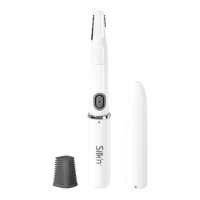
1. Take the trimmer out of the packaging.
2. Check to make sure that the delivery is
complete (see Fig.A).
3. Check whether the trimmer or the
individual parts exhibit damage. If this is
the case, do not use the trimmer. Contact
the manufacturer at the service address
specified on the warranty card.


 To Next Page