Operation
13
EN
Checking the trimmer
Operation
Inserting the battery
CAUTION!
Risk of injury!
Improper handling of the trim-
mer may result in injury.
− Make sure that the pre-
cision head is not resting
on the housing when you
insert the battery.
• When opening and closing
the battery compartment,
pay attention to the marks
on the trimmer housing.
• The battery compart-
ment cover and the
protective cover are each
marked with a dot. The
two dots are located
above one another when
closed (see Fig.B).
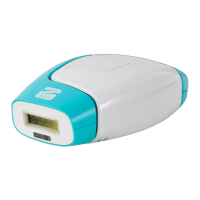
1. Take the protective cover
8
and the
precision head
7
off.
2. Turn the battery compartment cover
3
clockwise up to the stop point (see Fig.C).
3. Take the battery compartment cover off.
4. Insert a 1.5V LR03 (AAA) battery in the
battery compartment
4
.
In the process, observe the polarity indi-
cated in the battery compartment.



 To Next Page