Need help?
Do you have a question about the Silk'n Silkn 7 and is the answer not in the manual?
Describes the device's skin colour sensor and how it protects skin during use.
Details the built-in safety feature to prevent light emission towards the eyes.
Provides guidelines on sun exposure before and after treatment to prevent adverse effects.
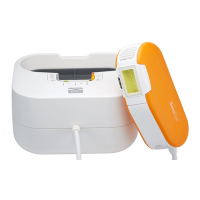
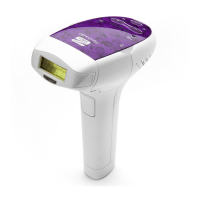
Lists all the items included in the Silk'n device package.
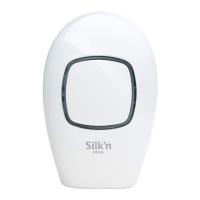
Details the various components and indicators of the Silk'n hair removal device.
Explains the purpose and scope of use for the Silk'n hair removal device.
Details the function and mode of each control button and indicator on the device.
Explains the touch and colour sensors and their role in device operation.
Describes the 5 energy levels and how to adjust them for treatment.
Explains the two operating modes: automatic and manual.
Guides on the two techniques for applying pulses to the skin.
Provides advice on treating skin after sun exposure and precautions.
Offers guidance on eye safety when treating facial hair.
Describes normal sensations and skin reactions during and after treatment.
Outlines the recommended treatment schedule and body areas.
Details potential side effects like redness, pigment changes, and burns.
Instructions on how to select and attach the correct cartridge to the device.
Steps to connect the device to the power supply.
Guidance on preparing the skin and the device before treatment.
Explains how to perform a spot test to check skin suitability and energy level.
Step-by-step guide on how to perform a hair removal treatment session.
Instructions for switching off, cleaning, and post-treatment care.
 General
| Skin Tone Sensor | Yes |
|---|---|
| Corded/Cordless | Corded |
| Treatment Areas | Face, Legs, Arms, Underarms, Bikini Line |
| Energy Levels | 5 |
| Safety Features | Skin tone sensor |

 To Next Page