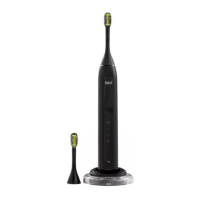
1. Remove the device from the charging cradle (#7) and
make sure the battery is empty.
2. Remove the brush head (#1) from the handle (#2).
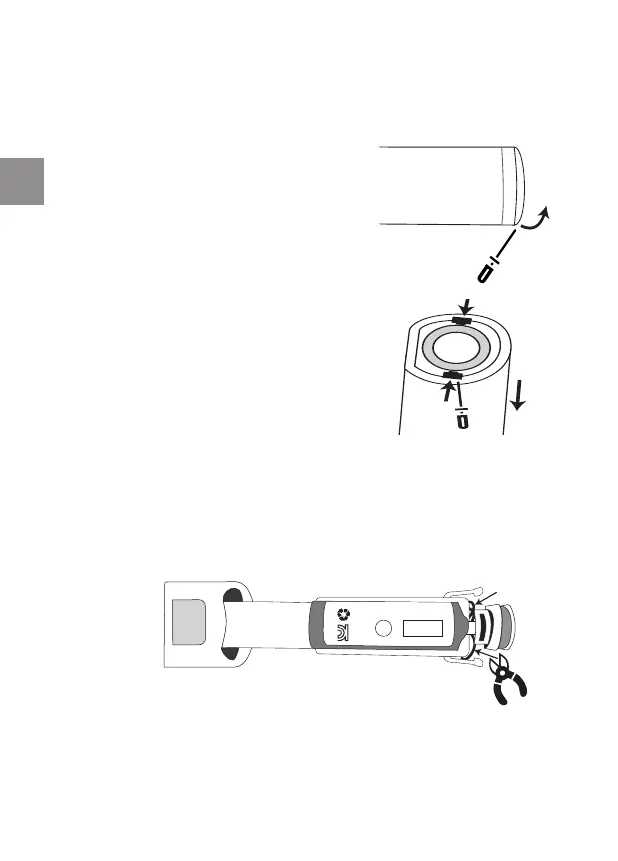
3. Open the casing: Use a small
tool (e.g., screwdriver or utility
knife), to detach the bottom cover
from the rest of the device.
4. Remove the inner section:
Place the handle (#2) upside
down on a sturdy table. Use the
tool to move the clips inwards. As
the clips release, you will be able
to remove the inner section and
lay it on the table.
5. Remove the battery: Use cutters or small scissors, to cut
each of the 3 wires separately (red, black, yellow). Make
sure the red (positive) and black (negative) wires do not
touch each other. Then remove the battery carefully. Do
not damage the battery.
34
ToothWave EU3 6190D inside ALL ED631-04 release.indd 34ToothWave EU3 6190D inside ALL ED631-04 release.indd 34 30/11/2020 16:03:1430/11/2020 16:03:14


 To Next Page
 Loading...