14.3.1 Altimeter Mode - To Turn Ski-Run Function ON and OFF
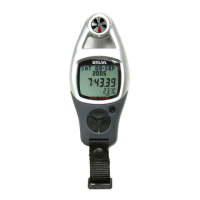
Ski Run Display
ALTITUDE m
2237 2418
144
SKI RUN: 99
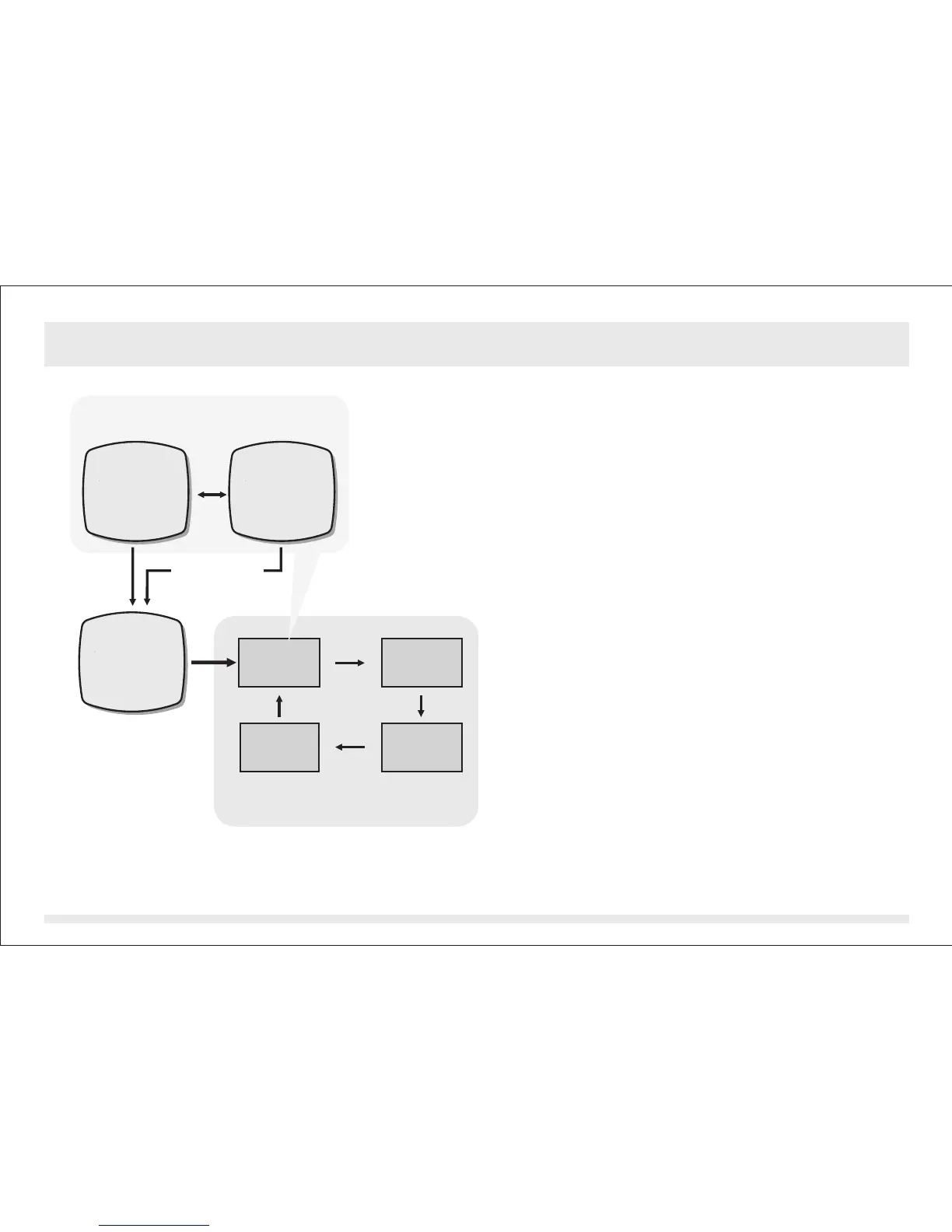
Ski-Run Counter, Ascend and
Descend Reset Setting Sequence
[mode]
[mode]
[mode][mode]
Ski-Run
Counter
Reset
Ski-Run
Ascend
Reset
Ski-Run
Descend
Reset
Ski-Run
Function
ON-OFF
To Turn Ski-Run Function ON and OFF
!
!
!
!
!
To select the setting display, press and hold
the [reset] button for about 2 seconds (the
'YES' or 'NO' will start flashing).
In setting display, press the [mode] button to
select between the Ski-Run Function ON-
OFF Setting and the Ski-Run Reset Settings
following the adjacent diagram. Check the
'To Reset the Ski-Run Counter, Ascend &
Descend' section below for more detail on
reset setting.
When the Ski-Run Function ON-OFF Setting
'YES' or 'NO' is flashing, press the [set]
button to select between the Ski-Run
Function ON and OFF.
When the 'YES' Display is flashing, press
and hold the [mode] button for about 2
seconds to confirm the setting and exit the
setting sequence (Ski-Run Function will turn
ON).
When the 'NO' Display is flashing, press
and hold the [mode] button for about 2
seconds to abort the setting and exit the
setting sequence.
hold
[reset]
hold
[mode]
SKI RUN ON?
YES
SKI RUN ON?
NO
Function OFF Function ON
Ski-Run Function ON-OFF Setting
[set]
hold [mode]
(Ski-Run
Function OFF)
hold [mode]
(Ski-Run
Function ON)


 To Next Page