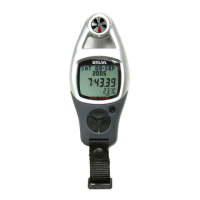
To Calibrate the Altitude
!
!
!
!
Following the previous 'Altimeter Mode
Setting Sequence' enter the Calibration
Display. When the Calibration Display
appears, press and hold the [reset] button
for about 2 seconds to select the Calibration
Setting Display.
When the 'offset value' digits are flashing,
press the [set] or [reset] button to scroll by 1
to select the target offset value (hold down
the button to scroll the setting faster).
When the above settings finished, press the
[mode] button once to exit the calibration
setting sequence. To return to Altimeter
Mode, press and hold the [mode] button for
about 2 seconds to exit the setting
sequence or press the [mode] button to set
the other settings.
1) When the altitude has been calibrated, the
ADC will offset the current altitude by the
target offset value. For example: If the offset
value is +20 and the current altitude is 144
the ADC will display 164 (144+20).
2) The maximum and minimum altitude will
NOT be updated as the above.
Note:
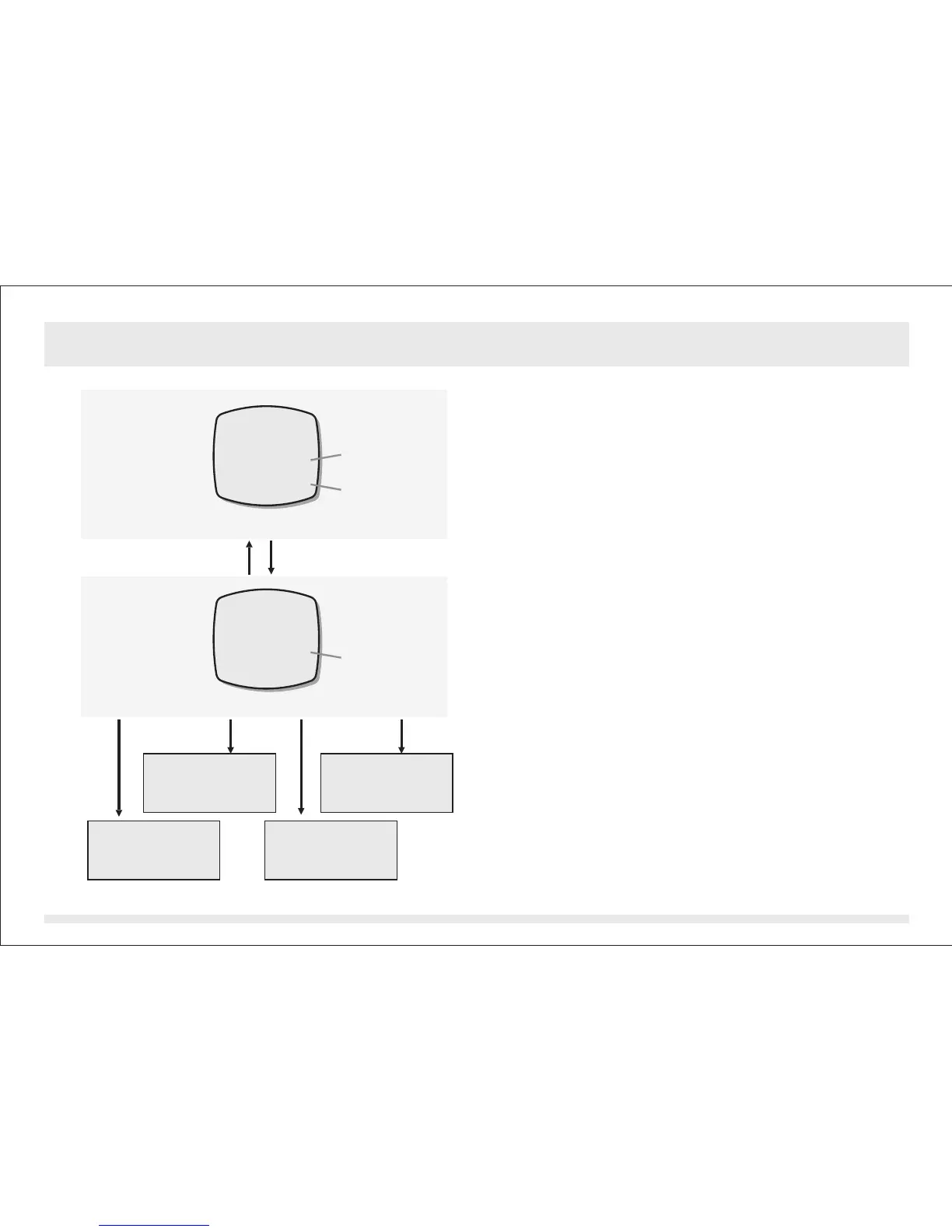
Calibration Setting Display
Altitude Calibration Display
hold [reset][mode]
flashing
the current
value
the offset
value
[set]hold [set][reset]hold [reset]
Select the
setting by
backward scrolling
Select the
setting by
forward scrolling
Select the setting by
backward scrolling
(fast scrolling)
Select the setting by
forward scrolling
(fast scrolling)
ALTITUDE m
144
0
ADJUST
ALTITUDE m
144
0
ADJUST
Altimeter Mode - Calibrating the Altitude14.6.2


 To Next Page