Temperature - Temperature Display11.1
Mode
Indicator
Temperature
Unit
Current
Temperature
Minimum Wind Chill
Temperature
Current Wind Chill
Temperature
Temperature Display
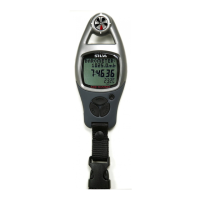
To Change Temperature Unit
!
!
!
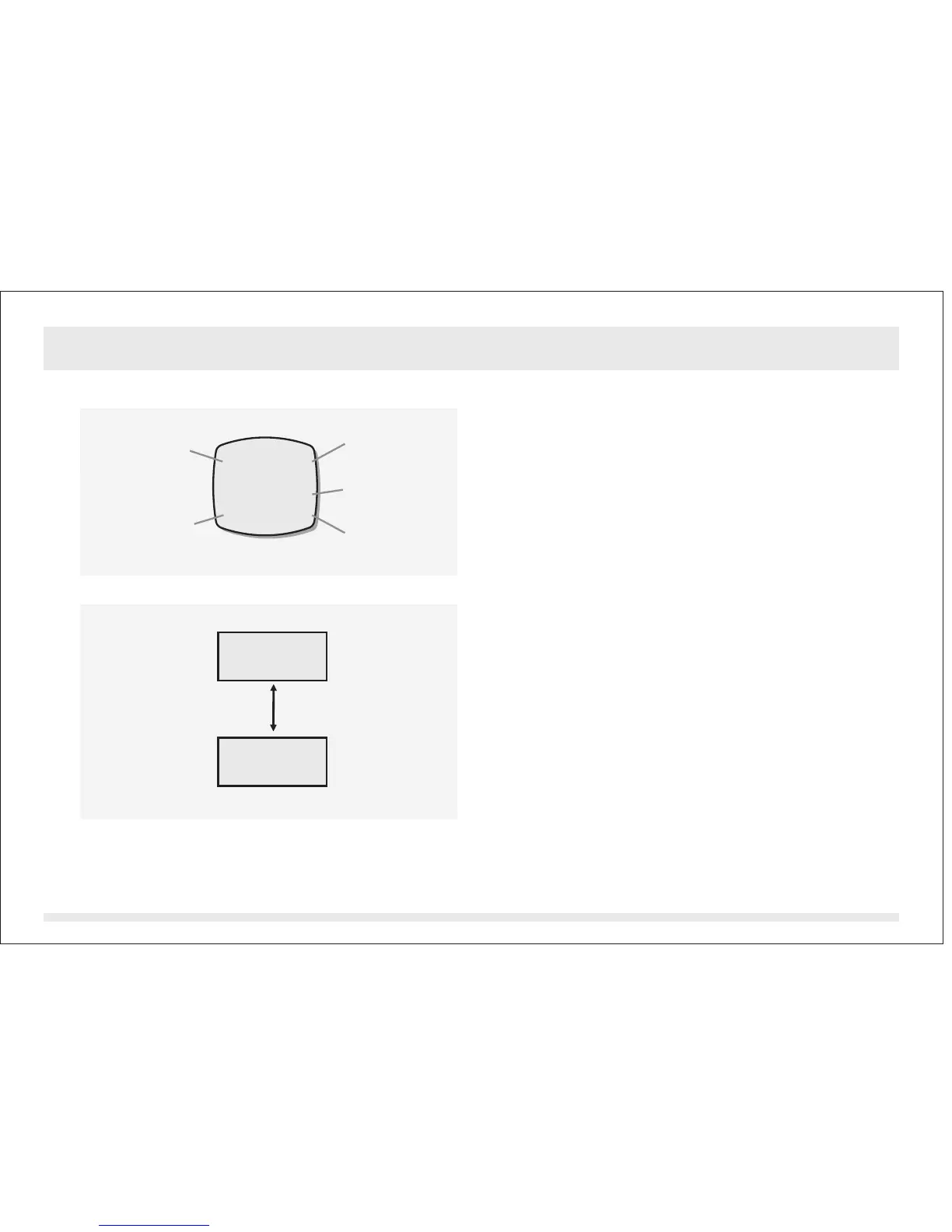
In Temperature Mode, the display will show
the following:
1) The ' ' Indicator and the temperature
unit appear on the 1st row of the display.
2) The Current Temperature appears on the
3rd row of the display.
3) The Current and Minimum Wind Chill
Temperature appear on the 4th row of the
display.
The ADC can display temperature in the
following units:
1) Degree Celsius (C)
2) Degree Fahrenheit (F)
In Temperature Mode, press the [reset]
button once to change the temperature unit.
See adjacent figure.
TEMP
Temperature Mode
TEMP C8
18.2 13.2
28.3
[reset]
C
F


 To Next Page