TROUBLESHOOTING
NOTE: This troubleshooting is for reference purposes only. Any
electrical work must be carried out by a qualified electrician.
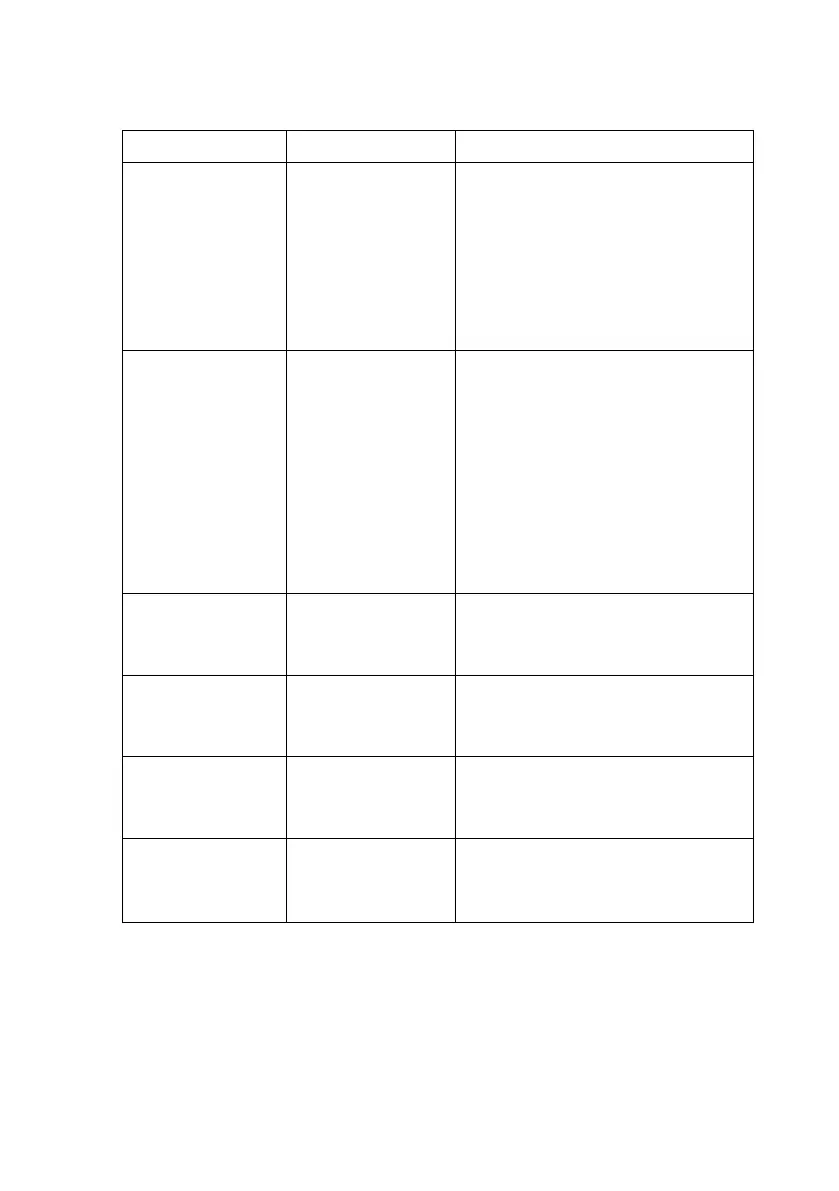
- No power
- Fuse is blown
- Main control
board failure
- Check unit is plugged in
- Check power point is live by
plugging in another appliance.
- There is a fuse on the control
board. Check fuse (electrician)
- Change control board
(electrician)
- Display is
normal but no
air flow or the
air speed is too
low
- The fan is
jammed
- Cooling pad or
dust filter is
blocked
- Fan is
distorted
- Main control
board failure
- Check to ensure there is
nothing preventing free
rotation of the fan
- Clean the cooling pad
- Change the fan
- Change the main control
board (electrician)
- Motor does
not respond to
control panel
- Main control
board failure
- Change the main control
board (electrician)
- Water leaking
from drain
valve
- Drain valve is
loose
- Dirt in valve
- Tighten drain valve nut
- Clean drain valve
- Air diffuser /
swing function
not working
- Swing motor is
burnt out
- Water drops
splash out of
the air diffuser
- Water pipe has
come loose
- Check water pipe to top of
filter pad and reattach or
tighten as necessary


 To Next Page