Need help?
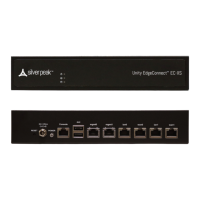
Do you have a question about the Silver Peak EC-XL-P and is the answer not in the manual?
Steps to replace a failed disk using Appliance Manager.
Model-specific procedures for replacing HDDs or SSDs.
Step-by-step guide for replacing power supply Set A.
Step-by-step guide for replacing power supply Set B.
Procedure for removing a power supply in Set C.
Detailed specifications for various Silver Peak hardware appliances.
 General
| Model | EC-XL-P |
|---|---|
| Category | Network Hardware |
| Manufacturer | Silver Peak |
| Type | WAN Optimization Appliance |
| WAN Optimization | Yes |
| Connections | 4 x 10GbE SFP+ |
| Disk Capacity | 2 x 1TB |
| Power Supply | Dual Redundant |
| Ports | 4 x 10GbE SFP+ |


 To Next Page