EasyManua.ls Logo

Silvercrest 322055 - User Manual

Silvercrest 322055
64 pages
Go to English
Print Icon
To Next Page IconTo Next Page
Loading...
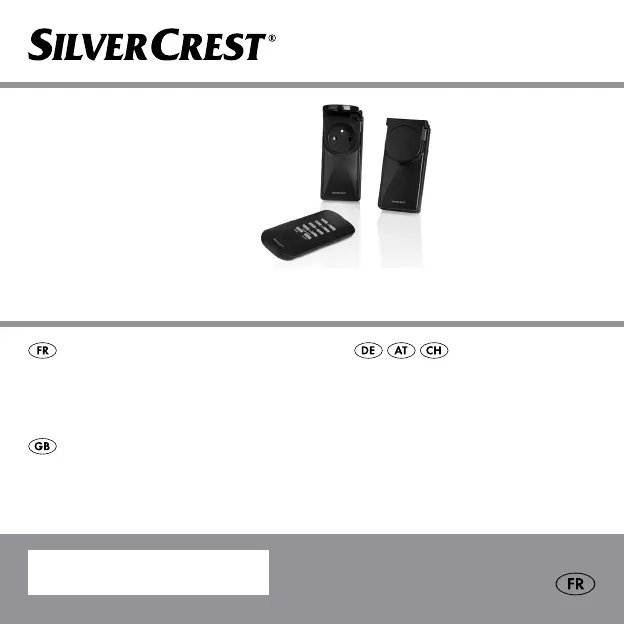
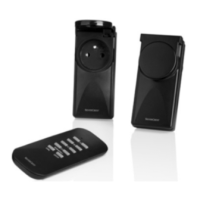
SET DE PRISES TÉLÉCOMMANDÉES D’EXTÉRIEUR
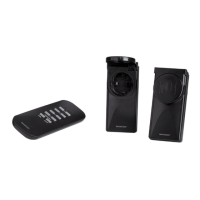
OUTDOOR WIRELESS
SOCKET SET
Operation and safety notes
OUTDOOR
FUNKSTECKDOSEN-SET
Bedienungs- und Sicherheitshinweise
SET DE PRISES TÉLÉCOM-
MANDÉES D’EXTÉRIEUR
Instructions d‘utilisation et consignes de sécurité
IAN 322055

Table of Contents

Questions and Answers

  • A
    Aaron ValdezJul 25, 2025
    What to do if Silvercrest Accessories range is too small?
    • K
      kstoneJul 25, 2025
      If you find that the range of your Silvercrest Accessories is too small, try to minimize obstructions like walls and furniture between the remote control and the radio-controlled socket. Also, interference from other devices operating on similar frequencies, such as wireless headphones or radio-controlled alarms, can reduce the range. If such devices are active, this could be the reason.
  • H
    Heather HortonAug 1, 2025
    What to do if Silvercrest Accessories remote control operating indicator illuminates but there is no reaction?
    • P
      Paul WebsterAug 1, 2025
      If the operating indicator on your Silvercrest Accessories remote control lights up but nothing happens, the battery might not have enough power. Try replacing it with a new one.
  • R
    Ronnie KellyAug 8, 2025
    How to fix no reaction from Silvercrest Accessories?
    • T
      Tyler DonovanAug 8, 2025
      If your Silvercrest Accessories aren't responding, first, make sure the appliance is turned on. If it still doesn't work, try assigning a new code to the wireless socket, referring to the “Setting up the wireless socket” section. Also, ensure you're within the correct range for the location you're trying to control by moving closer to the device.
  • V
    Valerie RichardsAug 17, 2025
    What to do if no indicator light on Silvercrest Accessories remote control when pressing 'ON' or 'OFF'?
    • T
      Tony RoseAug 17, 2025
      If the indicator light doesn't turn on when you press 'ON' or 'OFF' on your Silvercrest Accessories remote control, check that the battery is correctly inserted. Also, ensure the battery has good contact; press it down if necessary.

Summary

Introduction

Safety

Safety Advice

General safety instructions and warnings to read before operating the device.

Battery Safety Instructions

Covers hazards related to button cell batteries, including ingestion, leakage, and disposal.

Setting Up

Setting Up the Remote Controlled Socket

Step-by-step guide for plugging in and pairing the wireless socket with the remote.

Setting-Up Operation

Using the Radiocontrolled Socket

How to connect an appliance to the socket and ensure it's ready for remote control.

Using the Remote Control

Instructions for operating sockets individually, in groups, or all at once.

Troubleshooting

Guarantee and Service

Silvercrest 322055 Specifications

General IconGeneral
BrandSilvercrest
Model322055
CategoryAccessories
LanguageEnglish

Related product manuals