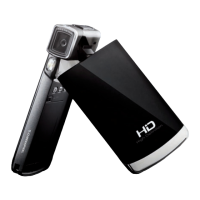
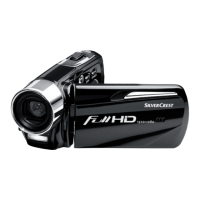
DV-5000HD The Menus
English - 43
Protect
This setting is equivalent to the Protect setting for video playback (see
page 40).
Autoplay:
Here you can start the automatic playback (slideshow) for all captured
pictures. The pictures will be played back repeatedly with an interval of
approx. 5 seconds after each photo. To start the function, press the
shutter button [7]. Press the Menu button [11] to return to the Photo
playback menu or press the Mode selector button [12] to switch to Photo
menu.
DPOF
DPOF (Digital Print Order Format) allows you to mark individual pictures
for later output on a compatible printer.
To do this, press the shutter button [7] to confirm the DPOF function. The
icon is displayed on the screen.



 To Next Page