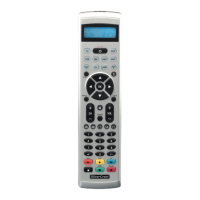
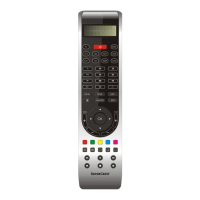
CH +/— buttons u
Change the reception channel.
MACRO button i
MACRO button i followed by a number
button o 1-4 activates a previously saved
chain of commands.
Number buttons o
Enter programme and device code numbers.
Button for one/two digit programme numbers a
For two digit programme numbers (depend-
ing on the device type) rst press
the a button then via the number buttons o
enter the programme number.
When pressed again the display becomes
single digit once more.
Teletext function buttons s
In teletext operation the buttons have the following
functions:
Access the teletext function
Stop automatic paging forward for
multi-page teletexts.
Enlarge page presentation
Screen text and TV image one upon
the other
To end the teletext function.
Note:
The function is only available in the European TV mode
and your TV device must have a teletext module.
In addition the CH+/- buttons u control the following
teletext functions:
CH +
Leaf one page forward
CH — Leaf one page backwards
AV button d
Switch to the AV input.


 To Next Page