Setting up and connecting
GB
16
KH 2610
Click on the button "Finish" to exit the installation wizard.
The start window will be displayed again.
Click on the button "Arcsoft Software" to install the "ArcSoft Photo-
Impression 6“ programme.
Click on the button "Continue" in the Vista user account settings
window.
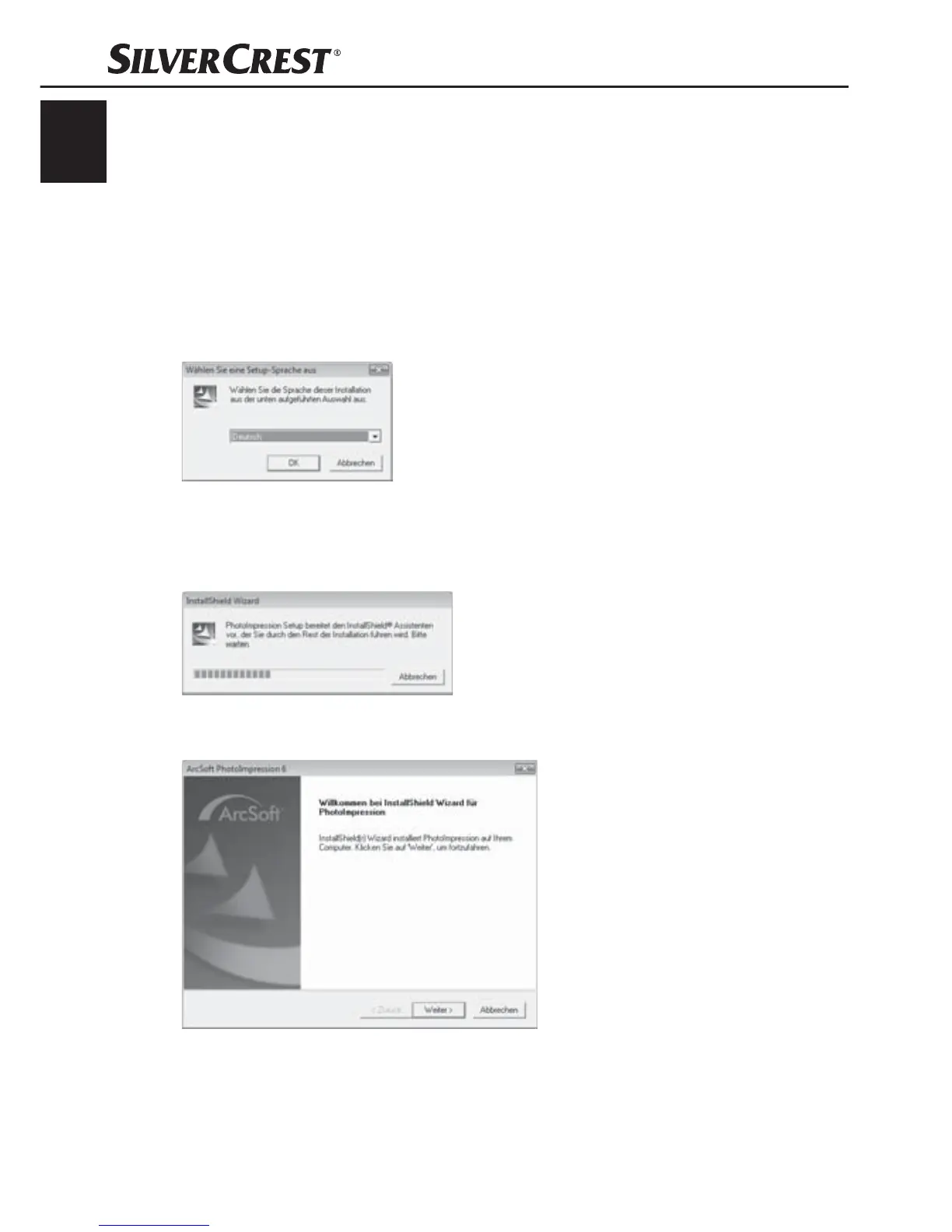
The window for language selection will be displayed.
Select the desired language and click on the button "OK".
The installation wizard will be confi gured.
The start window of the installation wizard will be displayed.
Click on the button "Continue >".
The window "License agreement" will be displayed.


 To Next Page