Setting up and connecting
17
KH 2610
GB
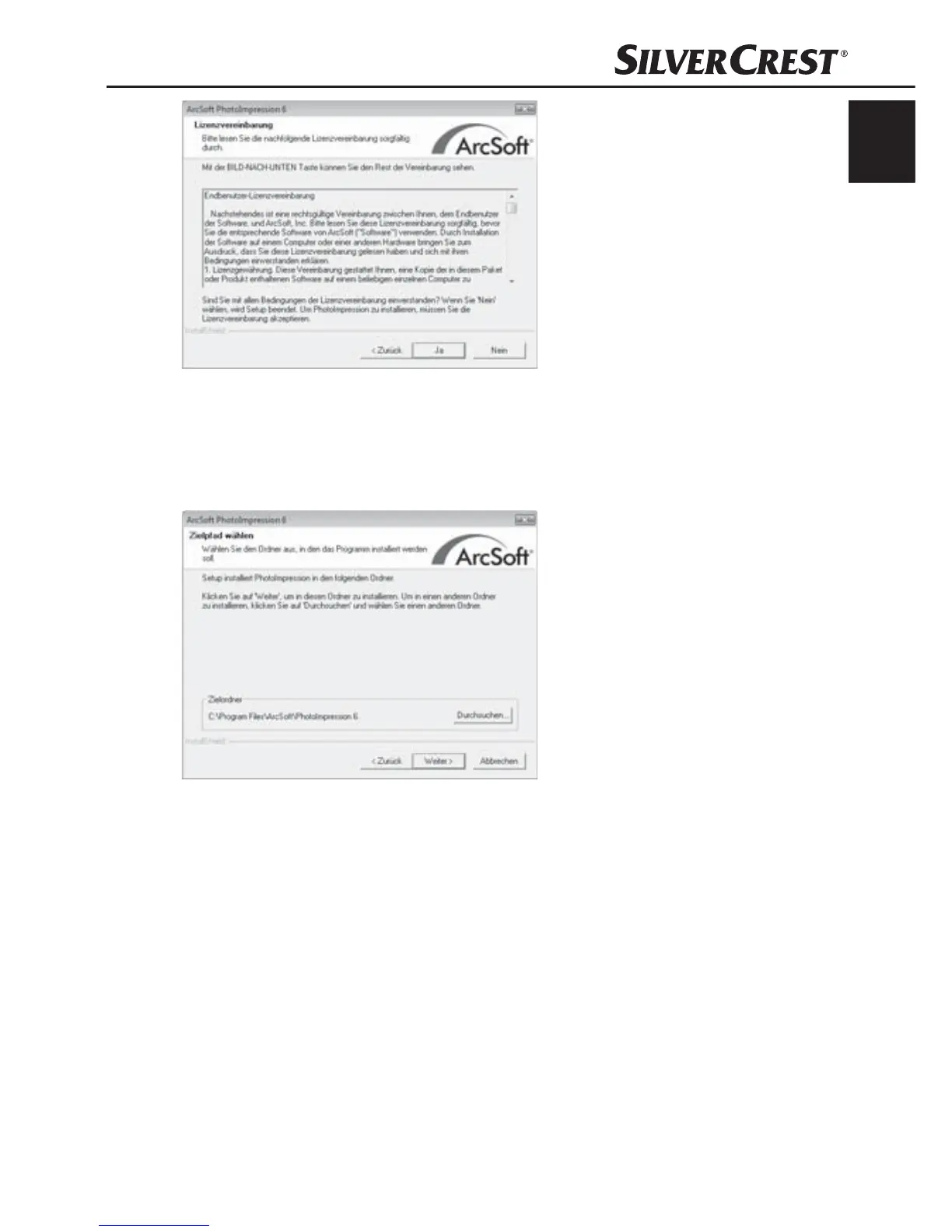
Click on the button "Yes".
The window for the selection of the installation directory will be
displayed.
Select the desired installation directory and click on the button
"Continue >".
The window for the selection of the programme folders (Entry in
the Windows start menu) will be displayed.


 To Next Page