Setting up and connecting
19
KH 2610
GB
Select the fi le format that is to be associated with the programme
and click on the button "Continue >".
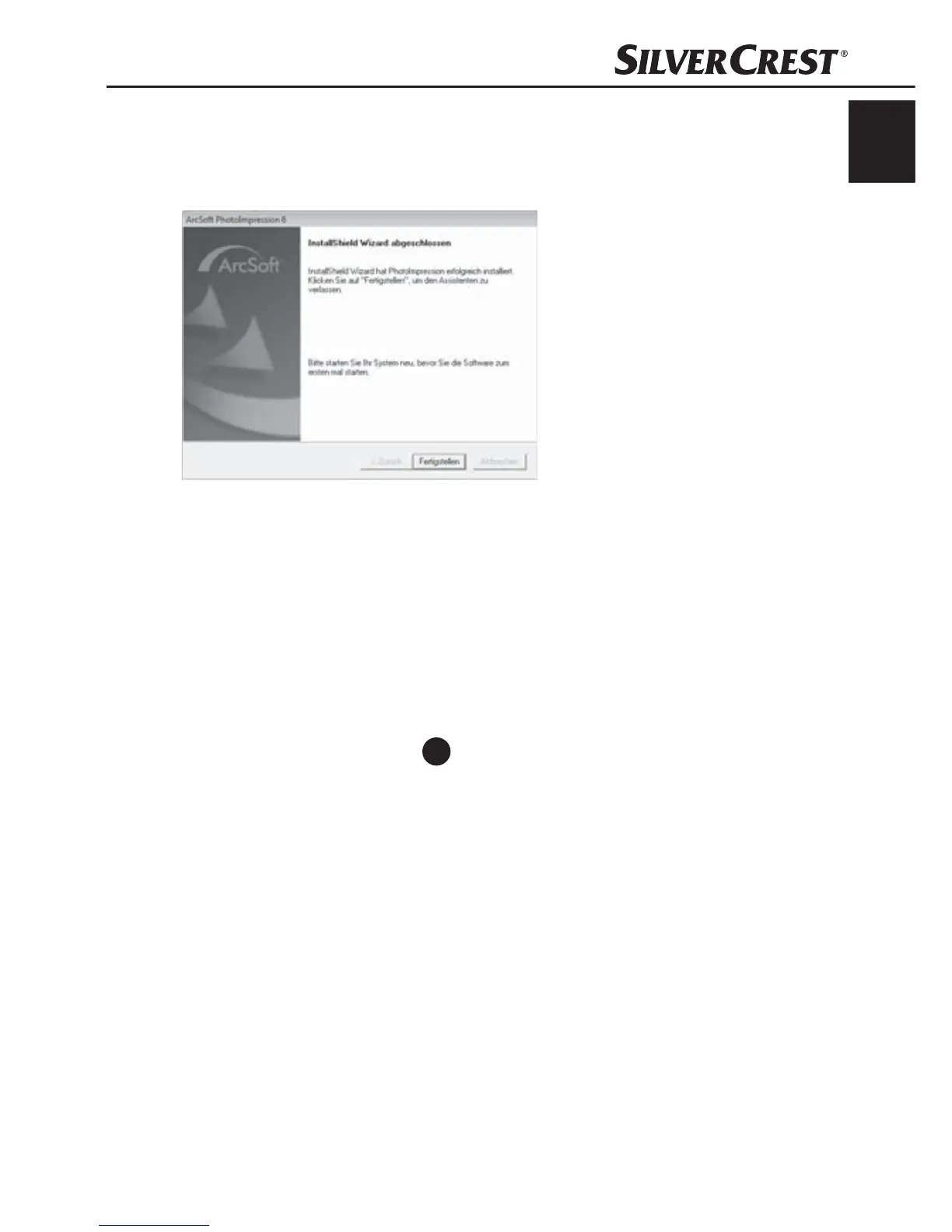
The display will show that the installation has been completed.
Click on the button "Finish".
The start window will be displayed again.
Click on the button "Exit Installation" to exit the installation programme.
Connection
Connect the USB cable
4
to a USB port on your computer.
When the device is connected for the fi rst time the window "New
hardware found" will be shown.


 To Next Page