Setting up and connecting
GB
20
KH 2610
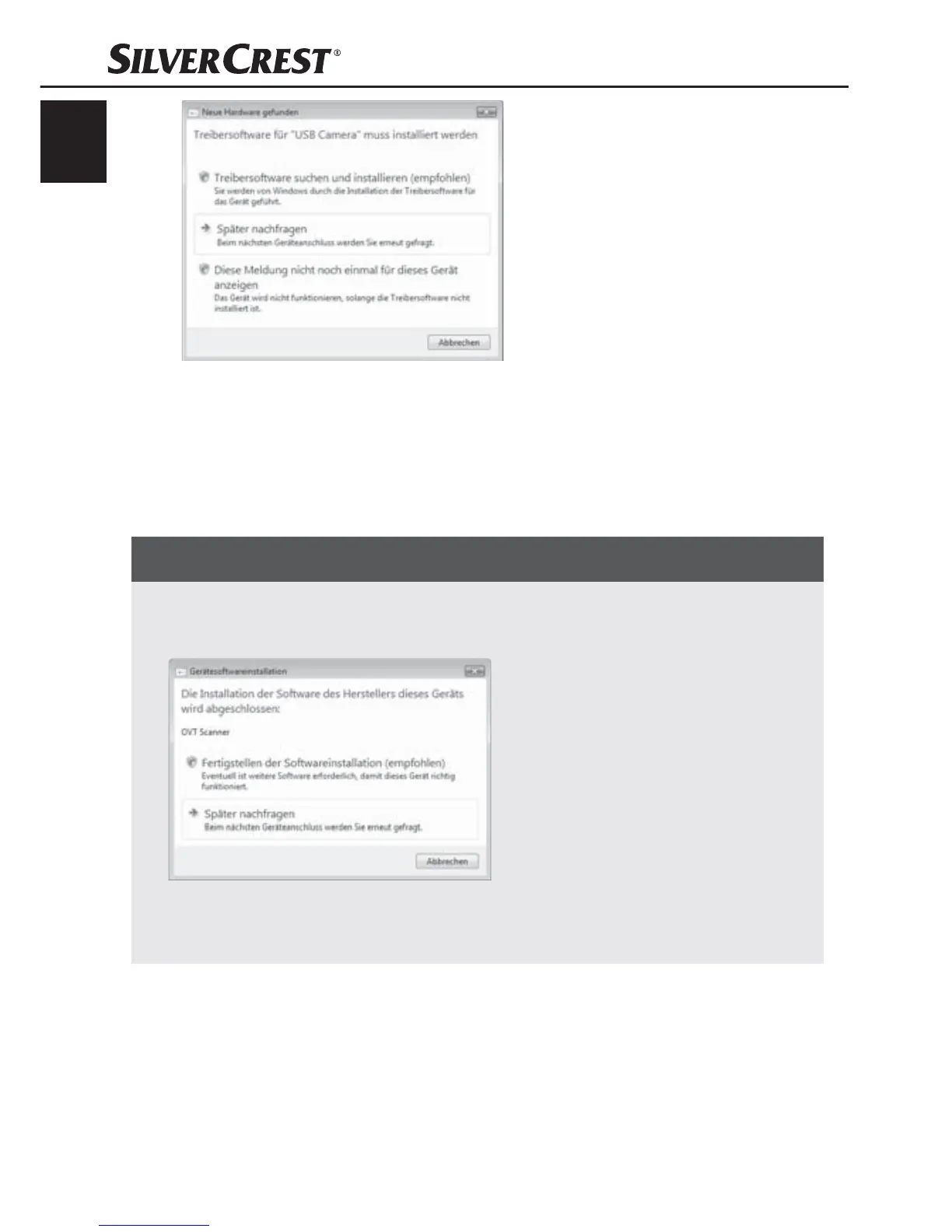
Click on the button "Search for and install driver software
(Recommended).
Click on the button "Continue" in the Vista user account settings
window. All necessary drivers will be installed.
NOTICE
If you want to connect the device to another USB port the ►
window "Device software installation" will be displayed.
Click on the button "Completion of the software installation ►
(Recommended)".


 To Next Page