SBF 2 B2■ 30
│
GB
│
IE
│
NI
The Bluetooth
®
headset 8 will not pair with
a mobile phone
♦ Check whether the Bluetooth
®
function is
activated on your mobile phone.
♦ Check whether the Bluetooth
®
headset 8 is
switched on.
♦ A maximum of two mobile phones can be
paired. Reset the Bluetooth
®
headset 8 if
want to pair another mobile phone (see section
Resetting the Bluetooth
®
headset).
♦ Make sure that the Bluetooth
®
headset 8 is
no more than 10 metres from the mobile phone
and that there are no barriers or electronic
devices between them.
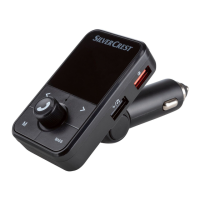
A connected device will not charge
♦ The USB charger 1 is not connected to the
cigarette lighter socket. Check the connection.
♦ Depending on the vehicle type, it is possible that
the ignition has to be switched on first.
♦ Check whether the charging cable is correctly
connected.
IB_339722_SBF2B2_LB6.indb 30 09.04.2020 10:09:09







 To Next Page
