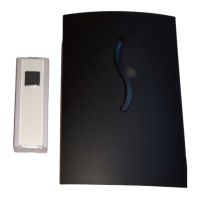
GB
IE
14
SFKS 2 A1
Selecting the ringer melody
There are 36 different ringer melodies stored in the
appliance.
♦ Press the melody select button
.
♦ Stop the selection when you hear the desired melody.
The appliance will use the last-played melody.
Synchronising the sender and receiver
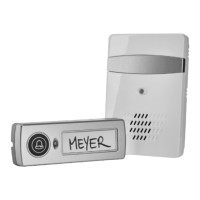
The transmitter and receiver of this wireless doorbell
system can communicate with each other via a number
of different codings. This means that you can operate up
to 5 transmitters with one receiver. In addition, you can
extend the wireless doorbell system with any number of
receivers. This is only possible if the sender and receiver
within a system are working on the same frequency,
however. For this, you must synchronise the appliances
as follows:
♦ Press the synchronisation button
on the
receiver.
♦ Now press the ringer button on the transmitter.
If the synchronisation has been a success, the receiver
notifies you of the programmed call signal. Should the
receiver not react as described, repeat the synchronisation.


 To Next Page
 Loading...