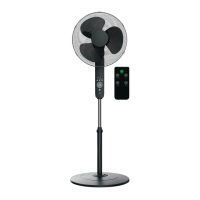
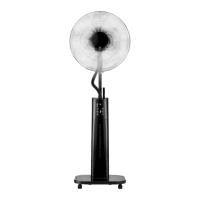
SilverCrest SSVF 45 C1
38 - English
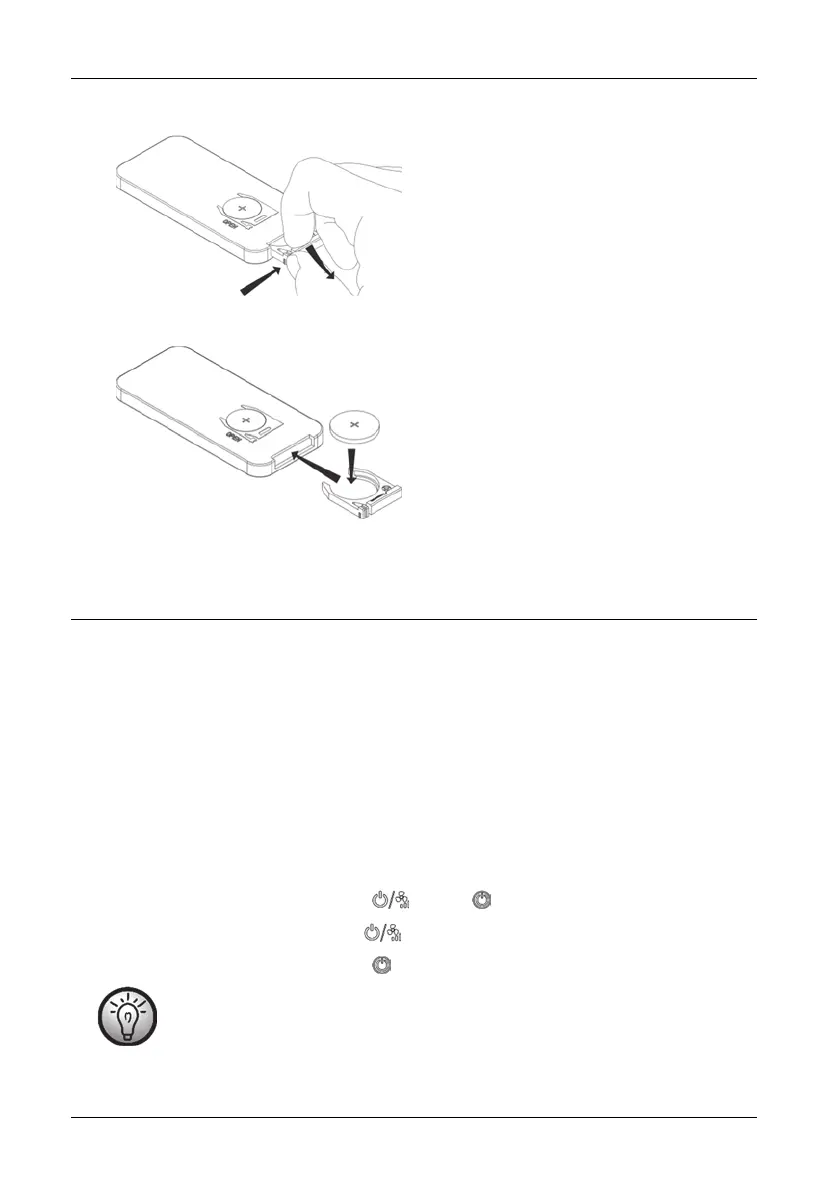
• Press the closure flap on the battery compartment of the remote control towards the
middle of the remote control. Pull the battery holder out.
• Remove the empty battery and insert a new battery. Make sure the polarity is correct
(+/-).
• Push the battery holder back into the remote control until the closure flap clicks into
place.
8. Getting started
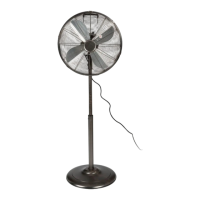
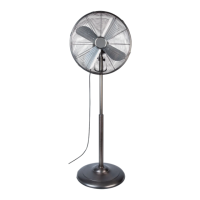
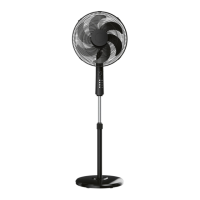
8.1 Setting up the fan and adjusting the height
• Place the fan on a level, even surface.
• Adjust it to the desired height. To do this, release the fixing ring (12) a little by turning
it anticlockwise. Pull the inner rod (11) up out of the outer rod (13) or push it down
into it. When the fan is at the height you want, tighten the fixing ring (12) a little by
turning it clockwise.
• Insert the power plug into a properly installed power socket.
8.2 Switching the fan on and off
• Switch the fan on by pressing the (25) or (28) button. It beeps twice.
• Switch the fan off by pressing the button (25) when running at highest fan speed.
• Switch the fan off by pressing the (28) button.
The unit beeps every time a button is pressed.


 To Next Page
 Loading...