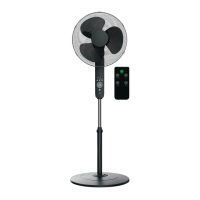
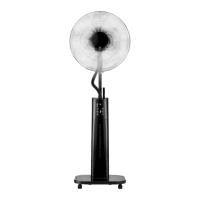
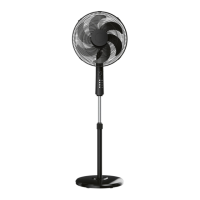
SilverCrest SSVF 45 C1
English - 39
8.3 Adjusting the fan speed
You can select one of three different speeds.
• Press the (25) or (32) button to toggle the fan speed in sequence.
• After the highest fan speed has been selected, pressing the button (25) again
will switch the fan off.
• After the highest fan speed has been selected, pressing the (32) button again will
switch the fan speed to the lowest level.
• The 1/2/3 LEDs (26) display the fan speed set:
1 = low
2 = medium
3 = high
8.4 Oscillation
You can get the fan to make horizontal movements (oscillations):
• Press the (23) or (29) button to switch on oscillation. The LED (27) comes
on.
• Press the (27) or (29) button to switch off oscillation. The LED (27) goes out.
You can adjust the vertical angle of the fan manually. To do this, move the
motor unit (7) into the desired position.


 To Next Page
 Loading...