75 GB/IE
Restoring the device to its
factory settings
You can delete all of the data saved on the device,
e.g. settings or saved measurements, by restoring the
device to its factory settings.
Proceed as follows:
Remove the batteries from the device.
To do this, open the battery compartment cover
3
.
Press the ON / OFF / MEASURE button
8
.
Keep it pressed down for 10 seconds whilst you
insert the batteries back into the device.
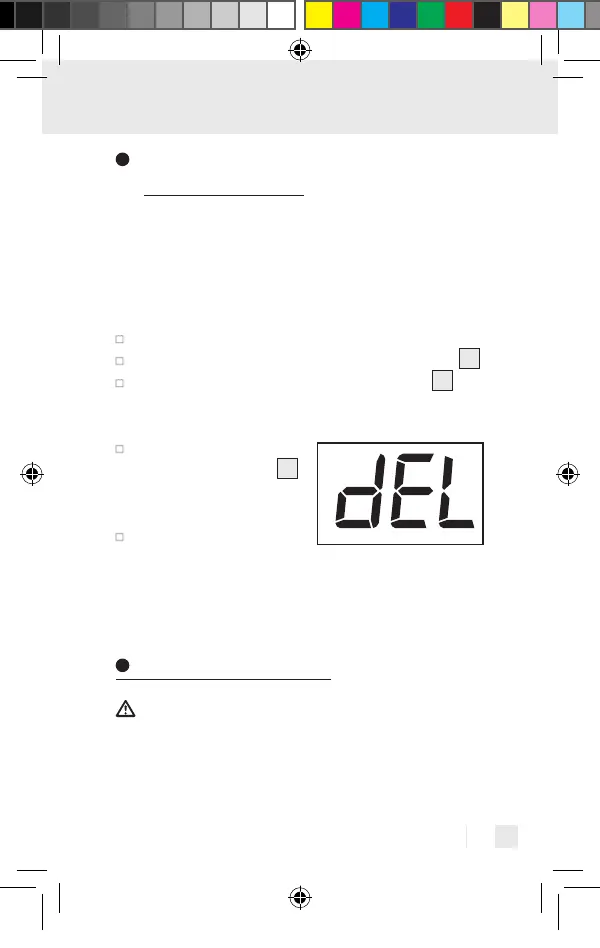
Release the ON / OFF /
MEASURE button
8
again once DEL ap-
pears in the display.
Remove the batteries
again.
Now all of the saved data on the device has been de-
leted and the device is restored to its factory settings.
Cleaning and care
ATTENTION! Possible property damage! Never
hold the product under water as liquid could enter the
product and damage it.
391893_2201_V4.0_silv_Multifunktionsthermometer_Content_OS_DE_GB_FR_NL_PL_CZ.indd 75391893_2201_V4.0_silv_Multifunktionsthermometer_Content_OS_DE_GB_FR_NL_PL_CZ.indd 7503.05.22 08:4103.05.22 08:41


 To Next Page
 Loading...