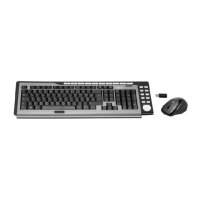
Wireless keyboard with wireless mouse STMS 22.8 A1
English - 13
Installing the Software
In order to be able to use the full function-capabilities of your wireless
keyboard and wireless mouse, you must install the supplied software. To do
this, insert the supplied CD-ROM into the CD-ROM drive of your computer.
The setup process should start automatically, otherwise double-click on the
"SilverCrest STMS 22.8 A1 Driver Setup V1.0.exe " file on the CD-ROM to
start manually.
Under Windows Vista
®
and Windows
®
7 only the setup will be temporarily
blocked and a message "Do you want to allow the following program from an
unknown publisher to make changes to this computer?" appears. To
continue setup, click "Yes".
The following setup screens correspond to the Windows
®
7 operating
system. For Windows
®
XP / Windows Vista
®
these screens will slightly vary
but their content is the same.
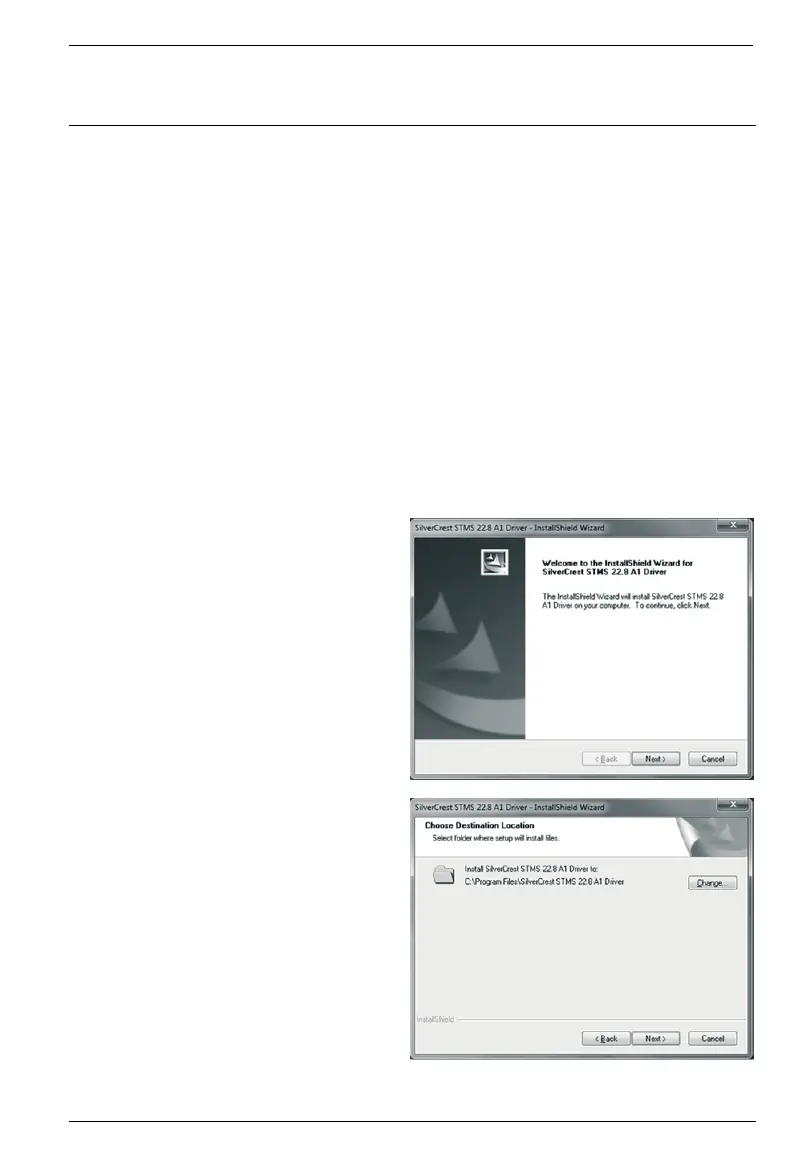
To launch setup, click "Next".
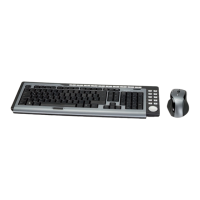
Here you can select the destination
folder for the installation with the
"Change" button or use the
suggested folder. To proceed click
"Next".


 To Next Page