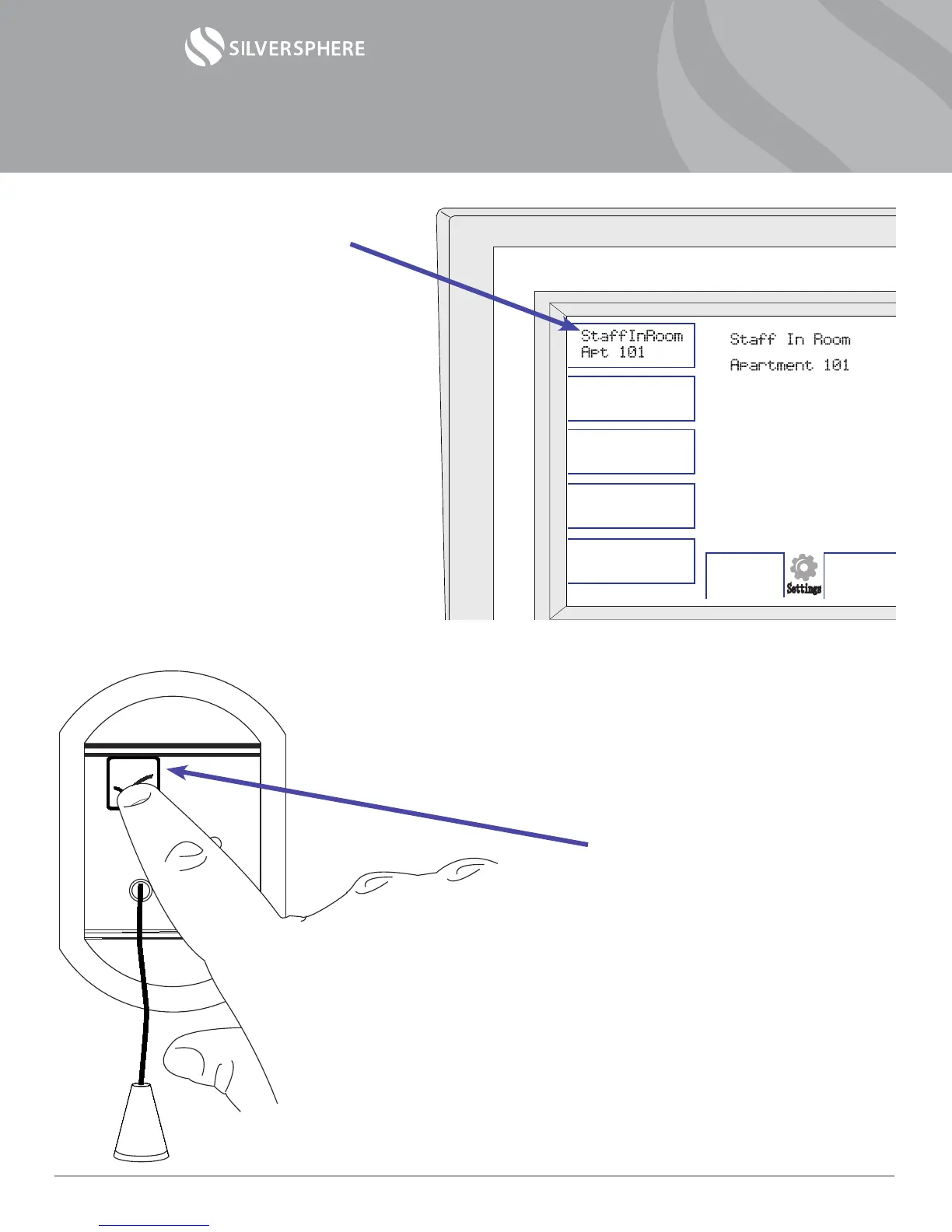
2) Your console will display the
message “Staff In Room” and
the room number you are
checking on.
This tells other staff members
that you are checking on the
resident in that room.
This also disables clearable
alarms from this room while
you are working in there.
3) Now that the alarms are on
hold, go about performing
whatever your expected duties
would be when checking in on
your residents.
4) When you are nished, press
the check mark button again
on your way out the door. This
will re-enable your alarms.
Note: If you forget to press
the button on the way out,
don’t worry. Your system is
programmed to re-enable
alarms automatically after
a predetermined amount of
time—usually between 5 and
10 minutes.
Settings
Operational Manual— Staff Check w/ Select Disable
©2014 Silversphere - Doc.SCSD.0214
Page 3


 To Next Page
 Loading...