Installation Guide
3
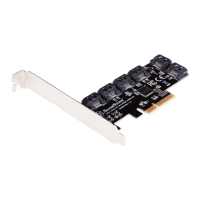
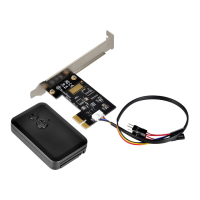
Expansion Cards ES01
Turn off your computer and unplug the power cord and all cables
Remove your computer’s case cover
Unplug the power cable and reset cable from motherboard
Locate an available PCI or PCI-E slot
1
2
3
4
To install the ES01 properly, please follow these steps listed on below:
01
Entfernen Sie die Abdeckung des Erweiterungssteckplatzes, indem Sie die entsprechende Schraube lösen.
Retire el tornillo que fija la cubierta del zócalo de expansión para retirarla.
Rimuovere la vite che fissa il coperchio dell’alloggio d’espansione per rimuoverlo.
Remove screw that secures the expansion slot cover to remove it.
拡張スロットカバーを固 定しているネジを 外してカ バーを取り外します。
Отверните винты крепления крышки слота расширения и снимите крышку.
取下電腦的PCI-E/PCI擋板
取下计算机的PCI-E/PCI挡板
확장 슬롯 커버를 고정하는 나사를 제거하여 커버를 분리합니다.
Retirez la vis qui fixe le couvercle du connecteur d'extension pour le retirer.



 To Next Page