
 Need help?
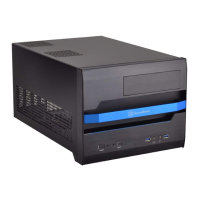
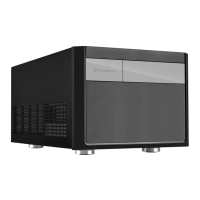
Do you have a question about the SilverStone sugo sg13 and is the answer not in the manual?
Remove front panel.
Remove the screws holding the hard drive bracket.
Remove front panel.
Install motherboard into the chassis.
Install 2.5" drive onto the bottom panel.
Install all-in-one liquid cooler or a front fan.
Connect all front I/O connectors.
Install power supply before expansion card.
Install 2.5" or 3.5" drives into drive cage.
 General
| Brand | SilverStone |
|---|---|
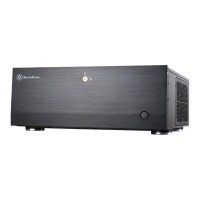
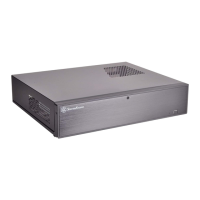
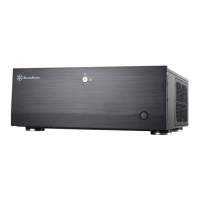
| Model | sugo sg13 |
| Category | Enclosure |
| Language | English |


 To Next Page