CRYSTAL4-SH
User Guide
11
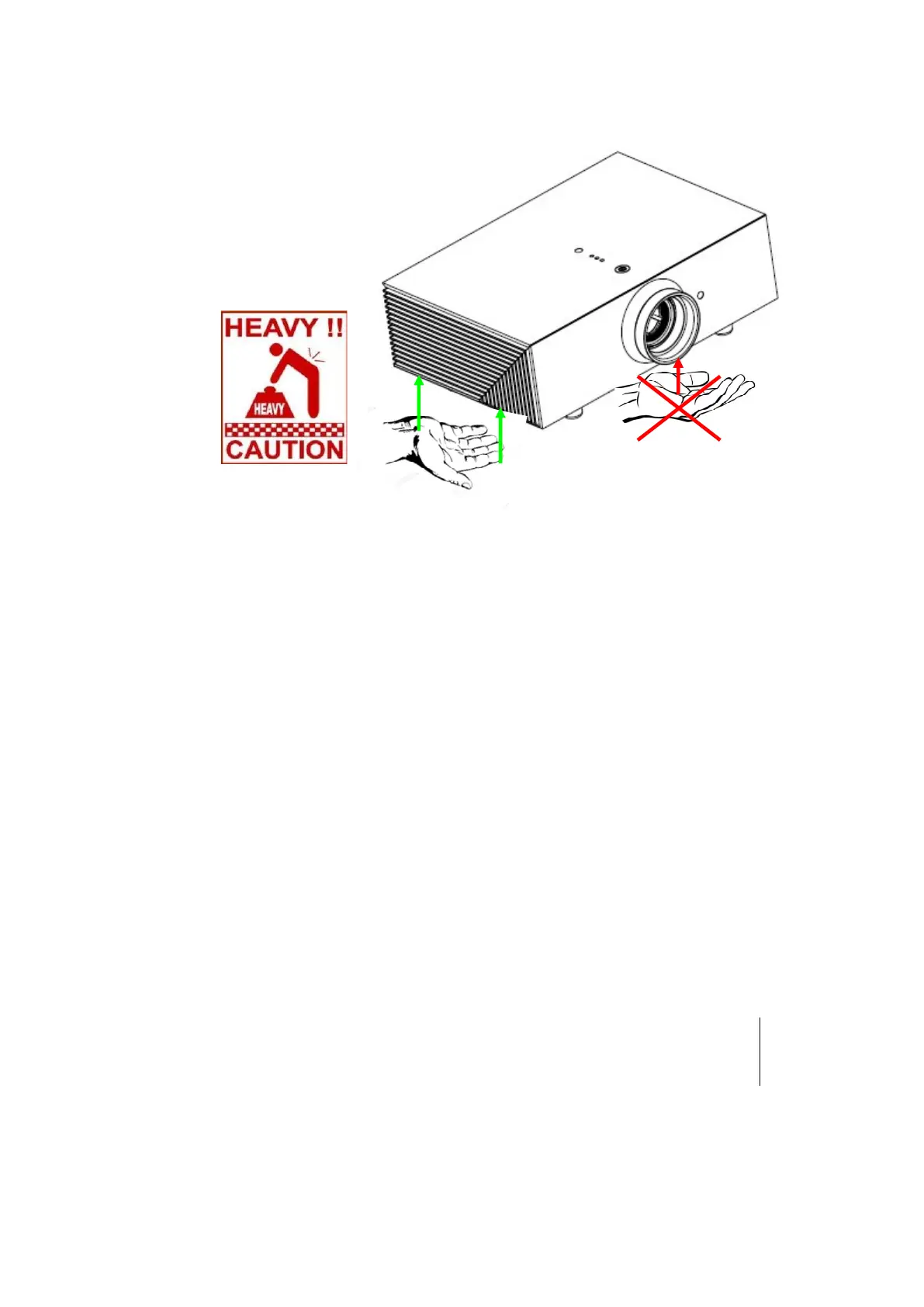
CRYSTAL4-SH handling and transportation
Do not pickup the projector by its lens.
Do not insert objects through the openings in the projector
Make sure that no objects are inserted inside the projector. If this should occur,
disconnect the projector from the power supply immediately and call an authorized
technician.
Power saving
We advise disconnecting the projector from the power supply when not in use. In this
way you will achieve considerable power savings while at the same time protecting
internal electrical parts from wear.
Do not use under the following conditions:
In extremely hot, cold or humid environments
◦ Ensure that the ambient room temperature is within 5°C ~ 35°C
◦ Relative humidity is 10% ~ 85%
In areas susceptible to excessive dust and dirt.
Near any equipment generating a strong magnetic field.
In direct sunlight.
Environment
This product contains materials derived from natural resources during its
manufacture. It may contain materials that constitute a health and environmental



 To Next Page