CRYSTAL4-SH
User Guide
5
1 Important information
About this User Guide
This User Guide describes how to set up and operate the following projectors:
CRYSTAL4-SH
Except where otherwise indicated, the information in this guide applies to all the
projectors listed above, that will be referred to as “CRYSTAL4-SH”.
Information contained in this User Guide may be updated from time to time due to
product improvements and customer feedback. Visit www.sim2.com to find the latest
version of this document.
This document contains proprietary information protected by copyright. All rights are
reserved.
All trademarks and registered trademarks are the property of their respective owners.
Safety
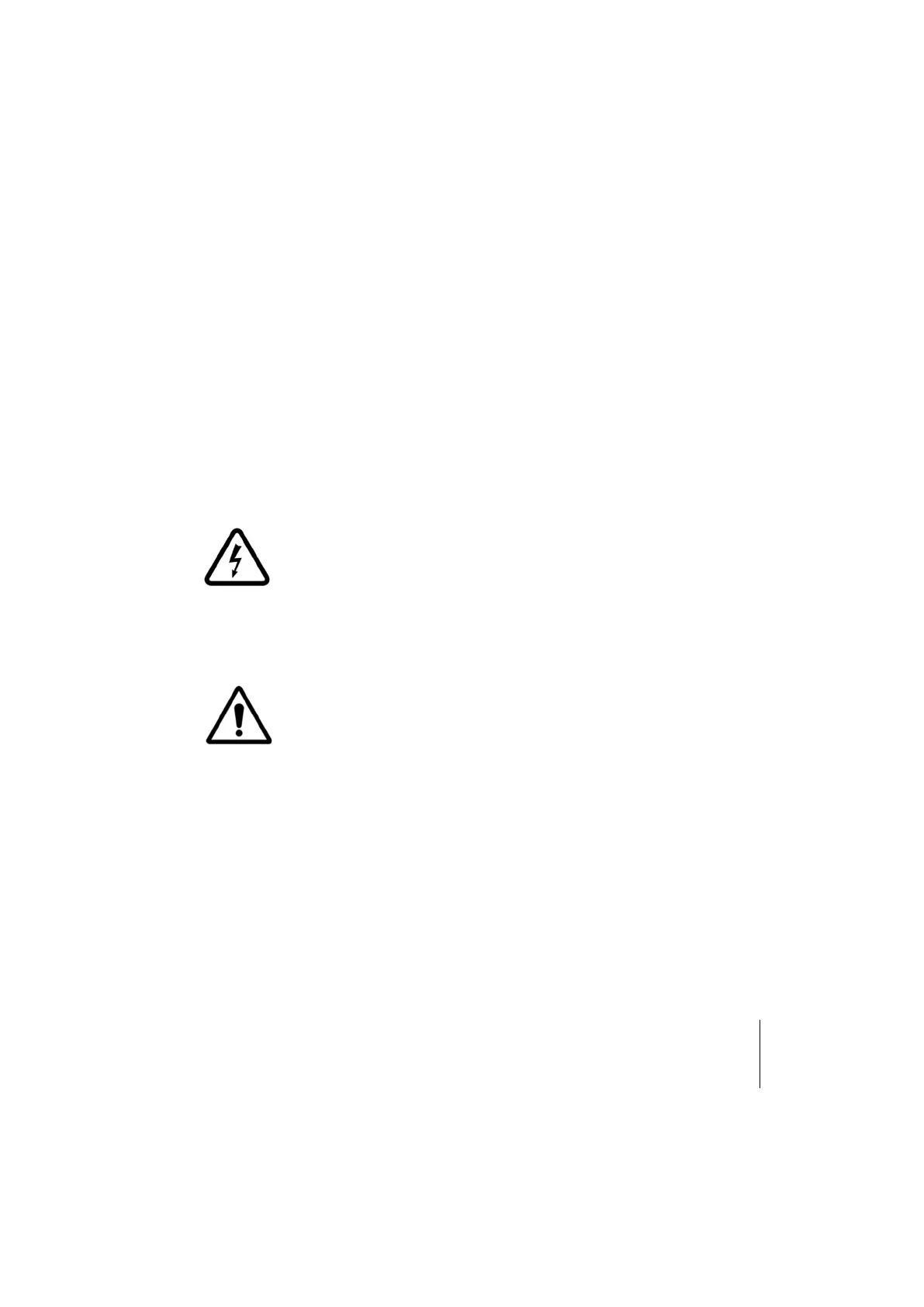
The lightning flash with arrow head within an equilateral triangle
is intended to alert the user to the presence of uninsulated
“dangerous voltage” within the product’s enclosure that may be
of sufficient magnitude to constitute a risk of electric shock to
persons.
The exclamation point within an equilateral triangle is intended
to alert the user to the presence of important operating and
maintenance (servicing) instructions in the literature
accompanying the appliance.
WARNING: TO REDUCE THE RISK OF FIRE OR ELECTRIC SHOCK, DO NOT EXPOSE THIS APPLIANCE
TO RAIN OR MOISTURE. DANGEROUS HIGH VOLTAGES ARE PRESENT INSIDE THE ENCLOSURE. DO
NOT OPEN THE CABINET. REFER SERVICING TO QUALIFIED PERSONNEL ONLY.



 To Next Page