EasyManua.ls Logo

Sim2 Pro-C3 - Page 31

Sim2 Pro-C3
39 pages
Print Icon
To Next Page IconTo Next Page
To Previous Page IconTo Previous Page
Loading...
31
proc3
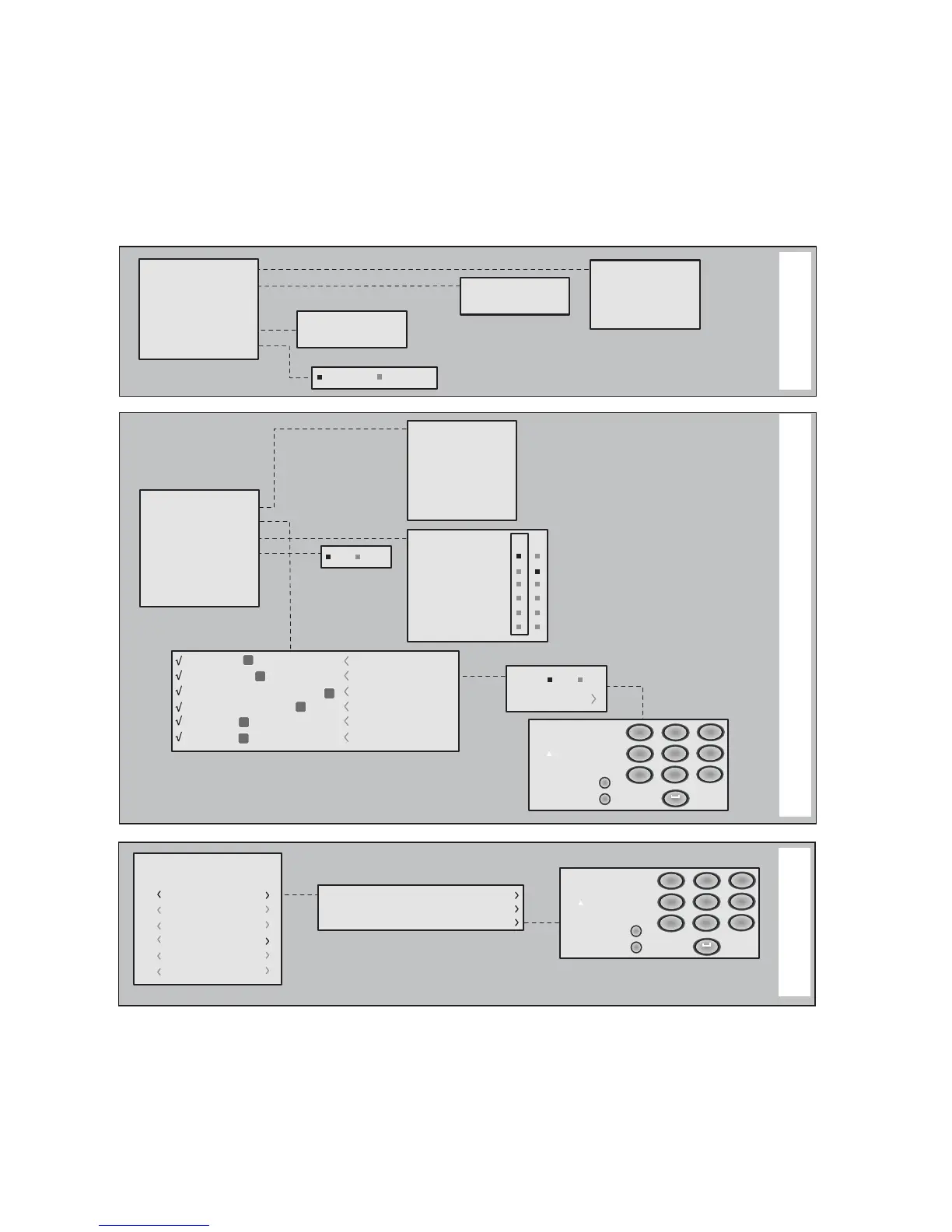
SETUP
Always Stand-by
Orientation
Keystone
Power ON
Test patterns
Logo light on
Initial settings
Floor
Floor-rear
Ceiling
Ceiling-rear
Horizontal
Vertical
Auto
Stand-by
Language
Source list
F1/F2 keys
Source info
OSD background
OSD Position
OSD Timeout
Zoom
Focua
Magnification
Blank
Color temperature
Gamma correction
Yes No
Italiano
English
Français
Español
Deusch
Português
2 S-VIDEO
4 GRAPHICS RGB
5
3 COMPONENT / RGBS
1 VIDEO
1
2
3
4
5
HDMI
S-VIDEO 2
GRAPH RGB 4
HDMI 5
COMP RGB 3
VIDEO 1
6
6
HDMI
HDMI 6
F1 F2
Active Yes No
Name
Cancel
Confirm
Edit source name
()?@
1
ABC
2
DEF
3
GHI
4
JKL
5
MNO
6
PQRS
7
-
+
TUV
8
0
WXYZ
9
_ _ _ _ _ _ _ _ _ _ _
Cancel
Confirm
Edit memory name
()?@
1
ABC
2
DEF
3
GHI
4
JKL
5
MNO
6
PQRS
7
-
+
TUV
8
0
WXYZ
9
_ _ _ _ _ _ _ _ _ _ _
0 Auto
3 S MEMORY 3
Memories
2 S MEMORY 2
1 S MEMORY 1
6 S MEMORY 6
5 S MEMORY 5
4 S MEMORY 4
Save current settings
Save initial settings
Rename
MENU
MEMORIES

Related product manuals