EasyManua.ls Logo

Sima SSW-4 - User Manual

Sima SSW-4
8 pages
Print Icon
To Next Page IconTo Next Page
Loading...
Speaker Selectors
Models SSW-4 and SSW-6
User Manual
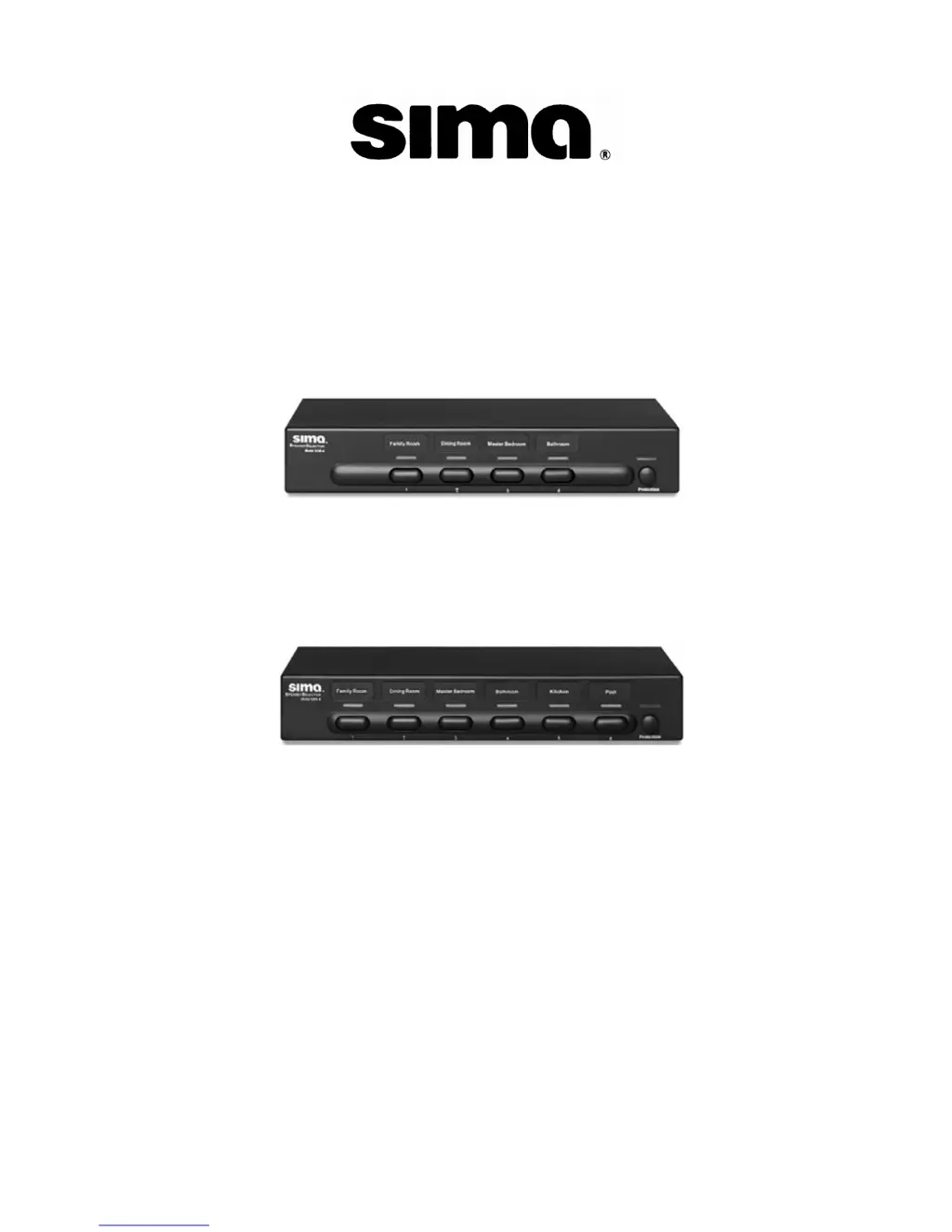
(SSW-4)
(SSW-6)

Questions and Answers

  • M
    Marissa ReynoldsJul 27, 2025
    What to do if one or both Sima Recording Equipment speakers turn off when music is playing?
    • G
      gallagherbrandonJul 27, 2025
      If your Sima Recording Equipment's speakers turn off during music playback, it's likely that the internal protection circuit has detected an overload or excessive volume. To resolve this, simply reduce the volume level. The unit will automatically reset itself.
  • M
    Matthew JonesAug 2, 2025
    How to prevent my Sima Recording Equipment unit from getting very hot?
    • S
      Sharon HintonAug 2, 2025
      To prevent your Sima Recording Equipment from overheating, try the following: * Reduce the volume level. * Turn off any unused speakers. * If you're only using one speaker pair, turn the PROTECTION switch off.
  • S
    Sandra RoweAug 9, 2025
    How to troubleshoot no sound from Sima Recording Equipment?
    • D
      Daniel EdwardsAug 9, 2025
      If you're experiencing a lack of sound from your Sima Recording Equipment, ensure that the correct speaker is selected. Also, check that no wires are touching each other or the case of the amplifier or SSW-4/ SSW-6 selector.
  • A
    Ashley HendersonAug 17, 2025
    Why is there a slight drop in volume when PROTECTION is turned on in my Sima Recording Equipment?
    • B
      Brian CoxAug 17, 2025
      A slight drop in volume when the PROTECTION feature is enabled on your Sima Recording Equipment is normal. This occurs because of the additional resistance introduced to protect your amplifier.

Summary

Important Safety Precautions

Whats Included

Introduction

Front Panel Overview

Front Panel Controls

Describes the numbered buttons used to select speaker pairs and their indicators.

Front Panel Labels

Information on customizing the selector with pre-printed labels for speaker locations.

Front Panel Protection Switch

Explains the function of the protection switch for amplifier safety.

Rear Panel Connections

Rear Panel Amplifier Input

Instructions for connecting the amplifier's speaker output to the selector's input terminals.

Rear Panel Speaker Output

Guides on connecting the speaker wires to the selector's output terminals.

Typical Hook Up

Installation Tips

Installation Procedure

Operation Guide

Initial Connection and Turn On

Recommended procedure for the first time powering on the unit with a single speaker pair.

Speaker Selection Inputs

Explains how to select different speaker pairs using the front panel buttons and indicators.

Protection Circuit Usage

Details when to use the protection switch and when it's not recommended for optimal performance.

Calculating Speaker Impedance

Trouble Shooting

Technical Specifications

Limited Warranty Information

Limitation of Liability and Remedies

States the limits of Sima's liability for damages arising from product use.

Sima SSW-4 Specifications

Weight and Dimensions IconWeight and Dimensions
Dimensions (WxDxH)298 x 165 x 50.8 mm

Related product manuals