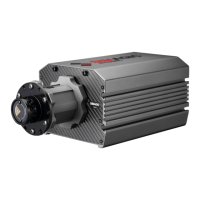
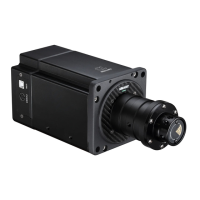
Stepper Base M10
9
SETTING
SIMAGIC supports six types of game force, and game may not use all types. At the beginning
of the game, the type that is chosen will turn red. Users can adjust the type of game force.
The default value of game force is 100, which is the original output of the game. Users can get
a good handle by adjusting the mechanical setting coefficient.
Constant force represents turning force in most games. Period force represents
detailed strength of collision and road condition in the game, etc.
WHEEL CENTER CALIBRATION
Rotate the wheel to center manually, and then
press the button CENTER
Two ways of changing the parameter in the
setting:
1. Pull the slider to change the parameter
2. Input the parameter through keyboards, and
then press “enter” to fuction
Upload parameter s from base to RaceManager.normally RaceManager will upload parameters
autoly when it is opened or base is connected.
To save parameters to base interal memorizer and remember these parameters even poweroff.
To save parameters to a “ini” file,user can save different setting for different game.and these
setting can be loaded by pull-down menu next to “save as”.



 To Next Page