28
SETTINGS3.3.3.4
The settings menu, like the main menu, includes a set of data and items; it works in the same way as described for the main menu.
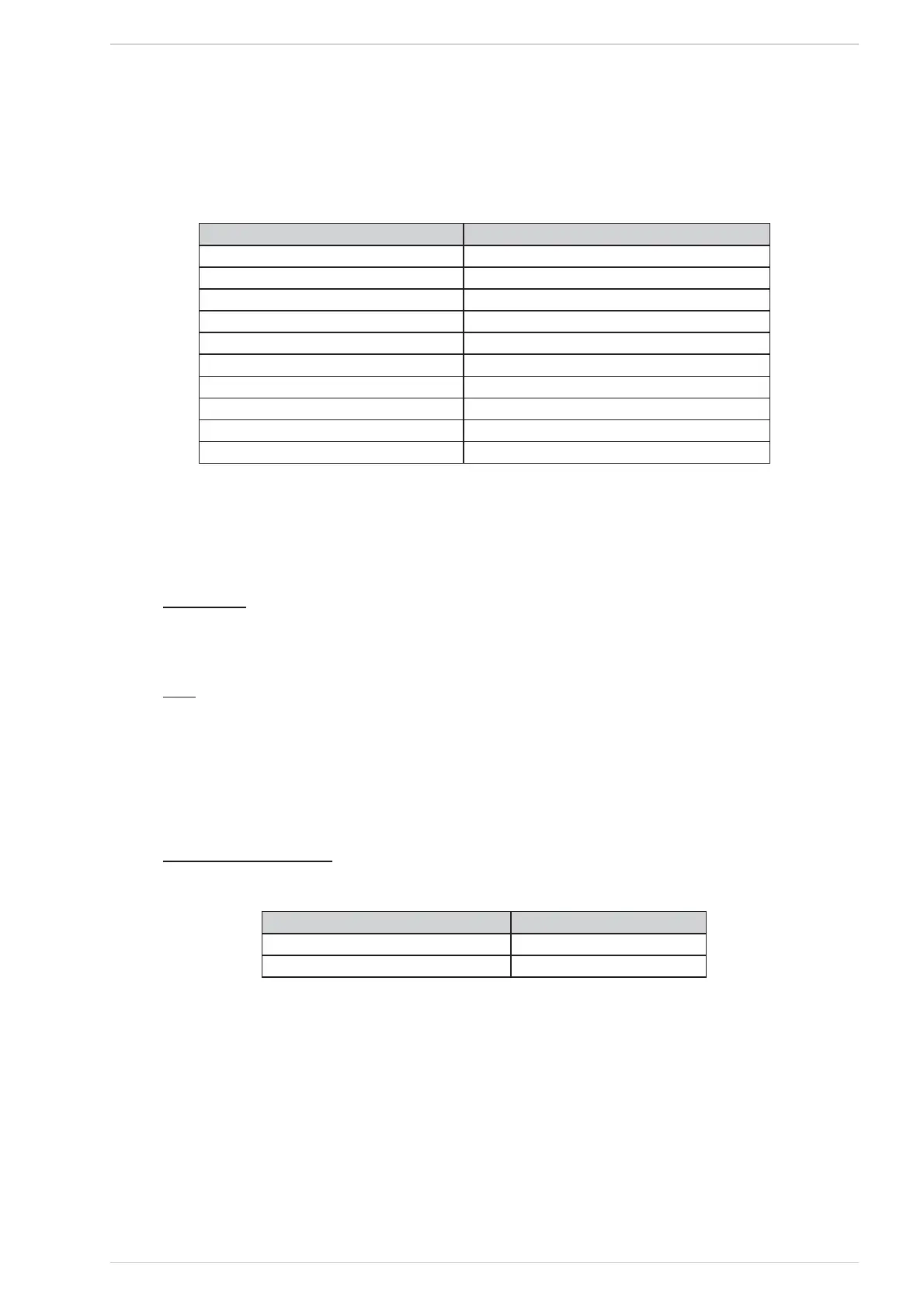
In Table 10 the various functions are listed in the same order as they appear on the display, along with their values.
Function Value
Language It–En–Fr–Es–De–Pt–Nl-Gr
Eco On / Off
Back Light On – 1200” (10” steps)
Tones On / Off
°C/°F Auto/ °C/ °F ( See § “°C - °F” at page )
Pellet Recipe (pellet feeder on time correction) See § “PELLET FEEDER CORRECTION”
Thermostat * On / Off
Charge Pellet (auger feeder activation) ** See § “FUEL FEEDER FILLING FUNCTION”
Cleaning ** See § “BURNER POT CLEANING”
Start Pump *** See § “PUMP ACTIVATION”
Setting functions listTable 10
* If the “HYDRO” mode is active (See Table 12), the function Thermostat is displayed only if the Storing tank is disabled.
** May be displayed only if the heater is OFF.
*** May be displayed only if the HYDRO mode is active and the heater is OFF.
BACKLIGHTING
The backlighting option allows the user to set the time and the backlighting level used in the START screen. Choosing On, the display will then be
kept lit up all the time; the other items set the time when the backlighting is dimmed down.
°C - °F
The “°C / °F” option allows the user to select the measuring unit to be used for any temperature value displayed.
The default setting is Auto; such setting chooses the measuring unit to fit the heater type in use (for European or U.S.A. market).
When the Set button is pressed (key #3), the value shown on the top line starts blinking to let the user being informed that it may now be changed,
while “Set” is replaced by “Ok”; the two bottom keys may be two arrows or change in +/-, depending on the displayed data type, and they are used
to increase or decrease the data value. The new value is confirmed by pressing button Ok (key #3), while the display reverts to the previous screen
(unflashing).
PELLET FEEDER CORRECTION
The “Pellet Recipe” option allows the user to modify the pellet feeder working duty cycle.
Function Value
Temporary States Activations -5 ÷ +5
Power States Activation -5 ÷ +5
List of pellet feeder correction functionsTable 11



 To Next Page