14
Testing the Coverage Area
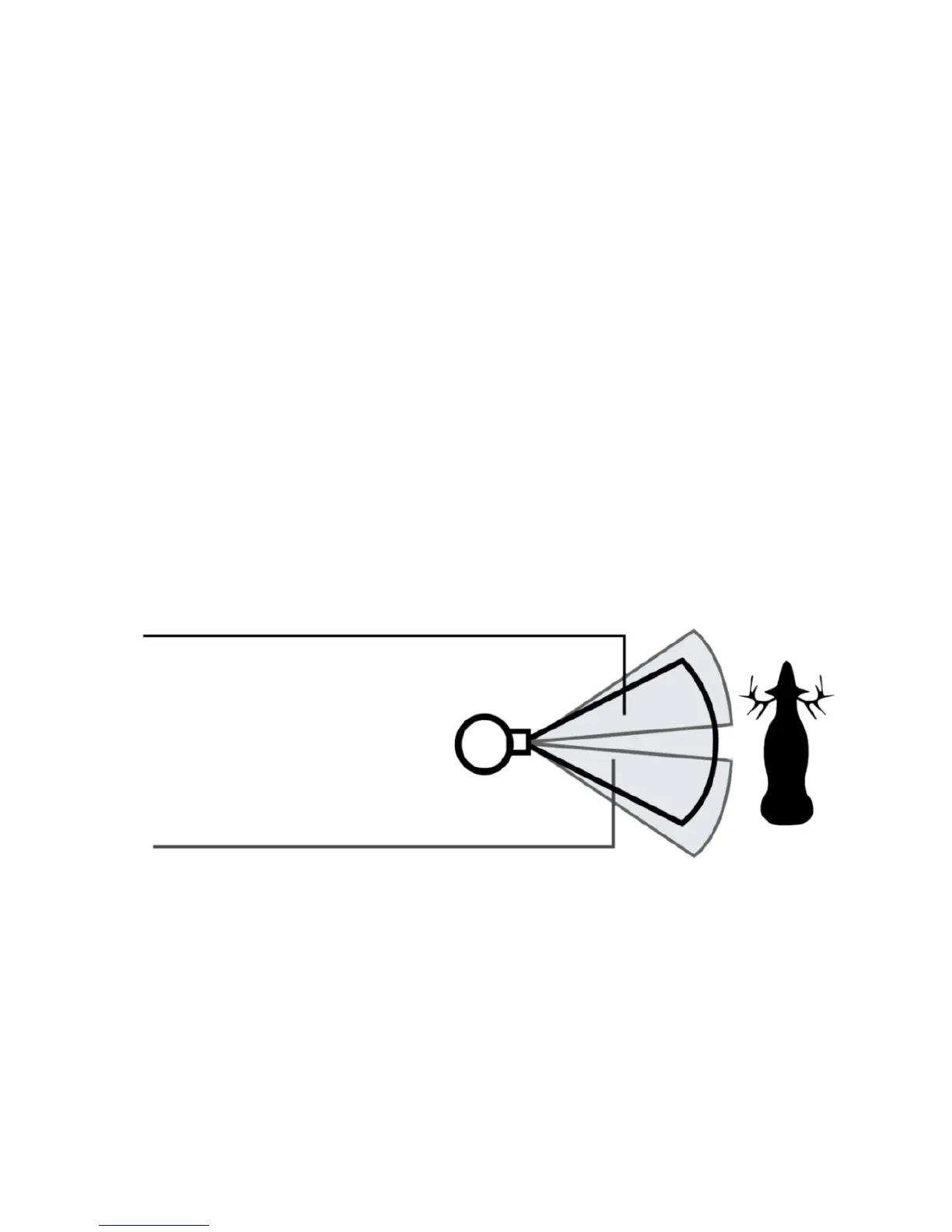
One of your trail camera’s most useful features is the ability to test the
coverage area. This can only be done with the camera is in the Setup
Menu.
After mounting the camera, open the front housing and turn the power
on. Press the MENU or SETUP button to enter the Setup Menu .
Adjust the PIR sensitivity dial to your preference based on conditions.
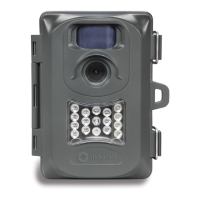
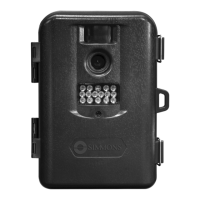
The PIR indicator light below the LED array (119233C) or within the LED
array (119225C) will blink when you have entered the coverage area.
Adjust the camera position as needed and repeat the test until the desired
coverage area is achieved.
Exit the Setup Menu (see pg. 12) when you are nished using the test
mode-the camera will be “sleeping” and waiting for the PIR sensor to
trigger the rst photo or video capture.
Securing the Camera
A standard padlock may be used in the camera’s lock hole to secure it and
prevent theft.
CAMERA OPERATION
Camera View Zone
Sensor Detection Zone


 To Next Page