22
Use Other Playback Options
Besides playing back images and
video, the Playback menu provides
other options:
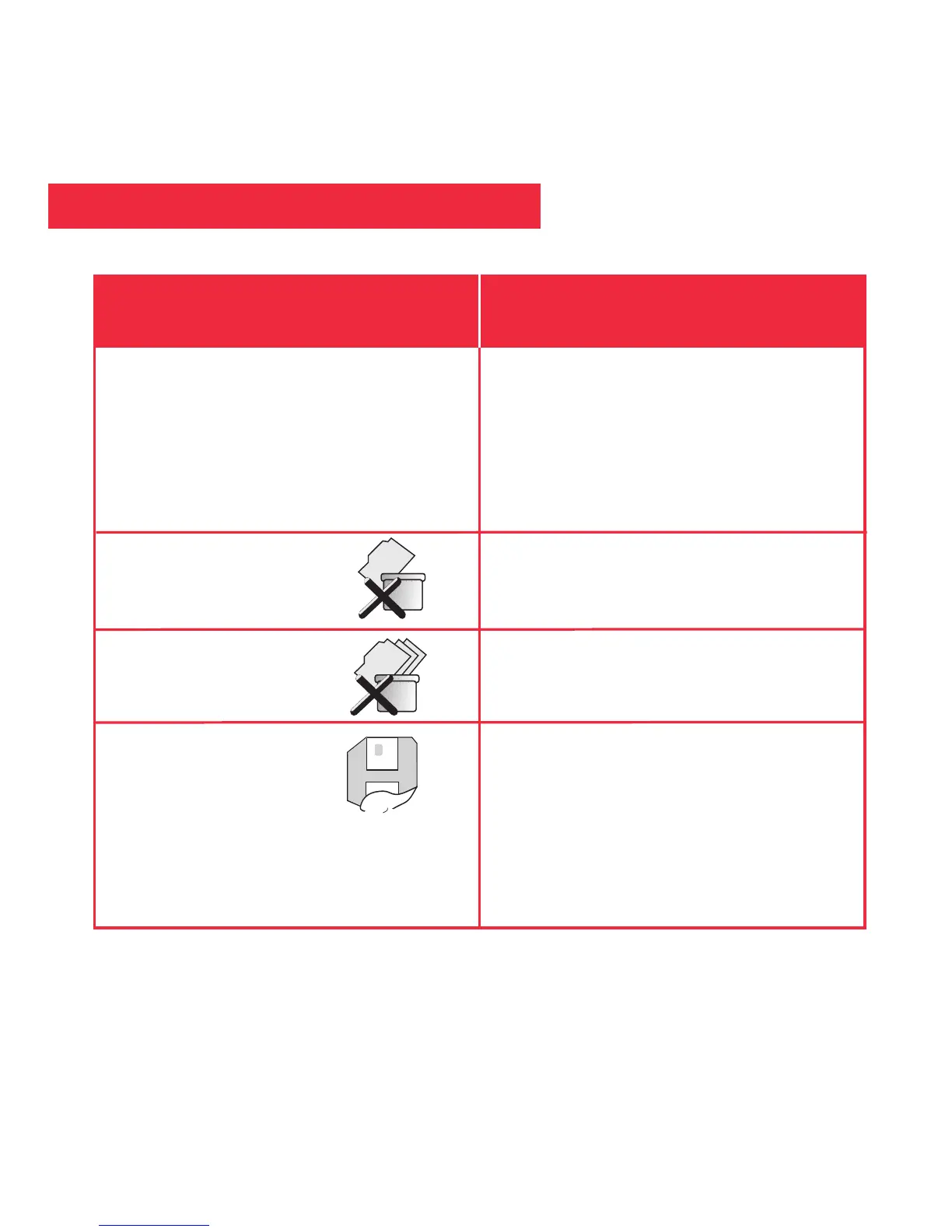
Delete Last Image, Delete All Images
and Format.
Delete Last Image
Delete All Images
Format Storage Media
• While in Playback mode, press the
Menu button once to display
Playback setting submenus.
• Select “Back” to exit to Preview
mode.
• Select the "Delete Last Image" menu
to erase the last image or movie
displayed in Playback mode.
• Select "Delete All Images" menu to
erase all the images and movies.
• Choose “Yes” to erase and format
the SD/MMC card. If you are using a
new SD/MMC card, use this option
to format your card.
Playback Options
If you want to... Do this....


 To Next Page