SRP9170/80 P25 Portable Radio – User Manual
© ComGroup Australia 2010 Page 27 TNM-U-E-0091 1.4a
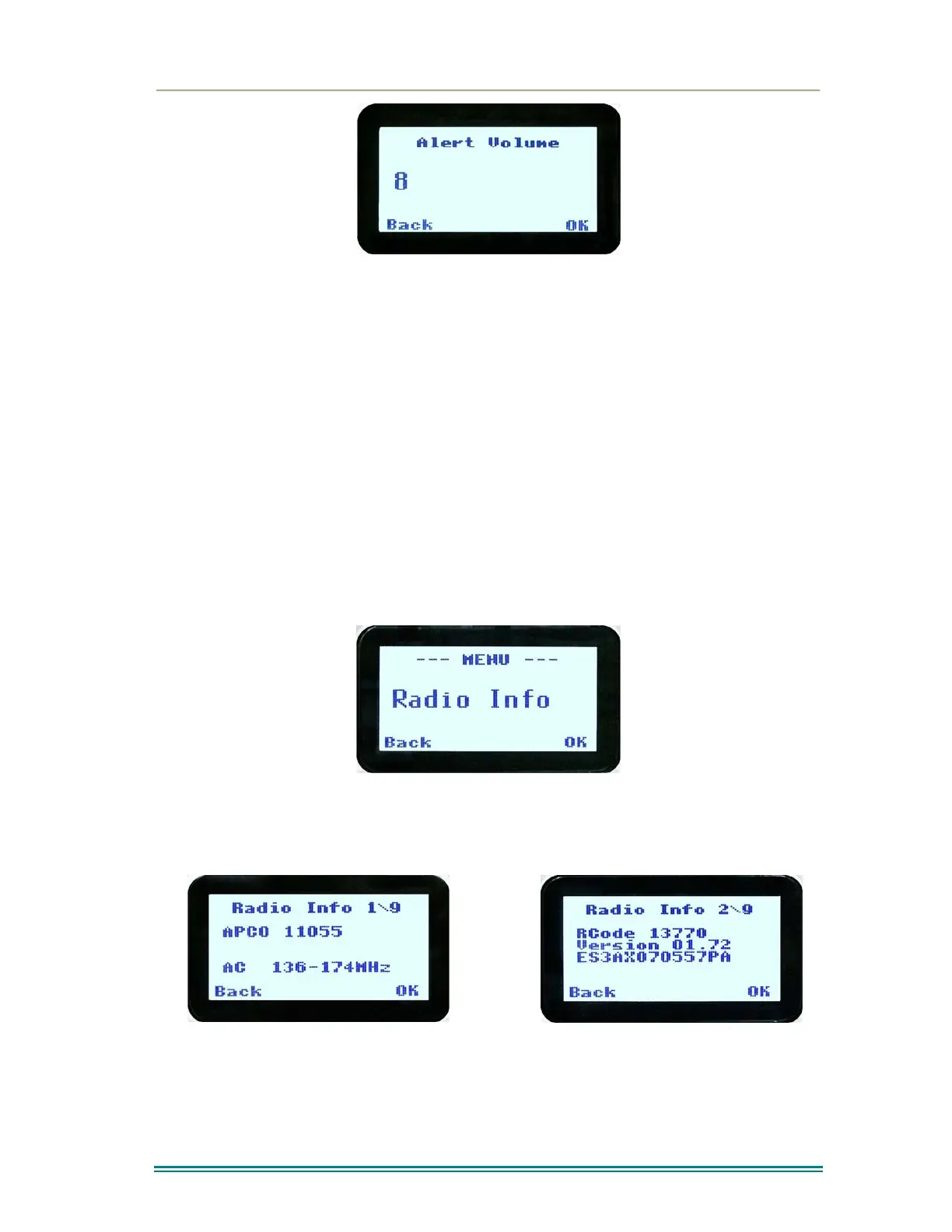
Use the ▼ and ▲ keys to change the relative alert volume level. The beep will sound at the
indicated level each time the setting is changed.
Press OK to accept the setting and return to the Channel Screen.
Pressing the M key will exit back to the setup menu.
Note: A minimum Alert Level may be set by the FPP to ensure the Alerts can always be
heard from the speaker.
4.2.9 Radio Info
These screens display information that identifies the Field Programmer File description,
Radio ID, Serial Number, Software Version and IP Address.
From the Settings Sub Menu, step through the menu options with the ▼ and ▲ keys until the
Radio Info menu is displayed.
Press the “OK” key for the “Radio Info” Screen.
The ▼ and ▲ keys select the following information pages:
P25 Conv. ID and Radio Band
Radio Software Version and Serial Number



 To Next Page