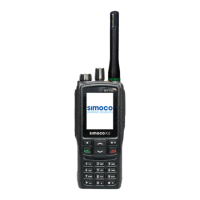
SRP9170/80 P25 Portable Radio – User Manual
© ComGroup Australia 2010 Page 47 TNM-U-E-0091 1.4a
If the caller unit ID of a newly received unanswered call is already in the Stored Calls list, the
old Stored Call record of that unit ID will be replaced by the new record and added to the top
of the list.
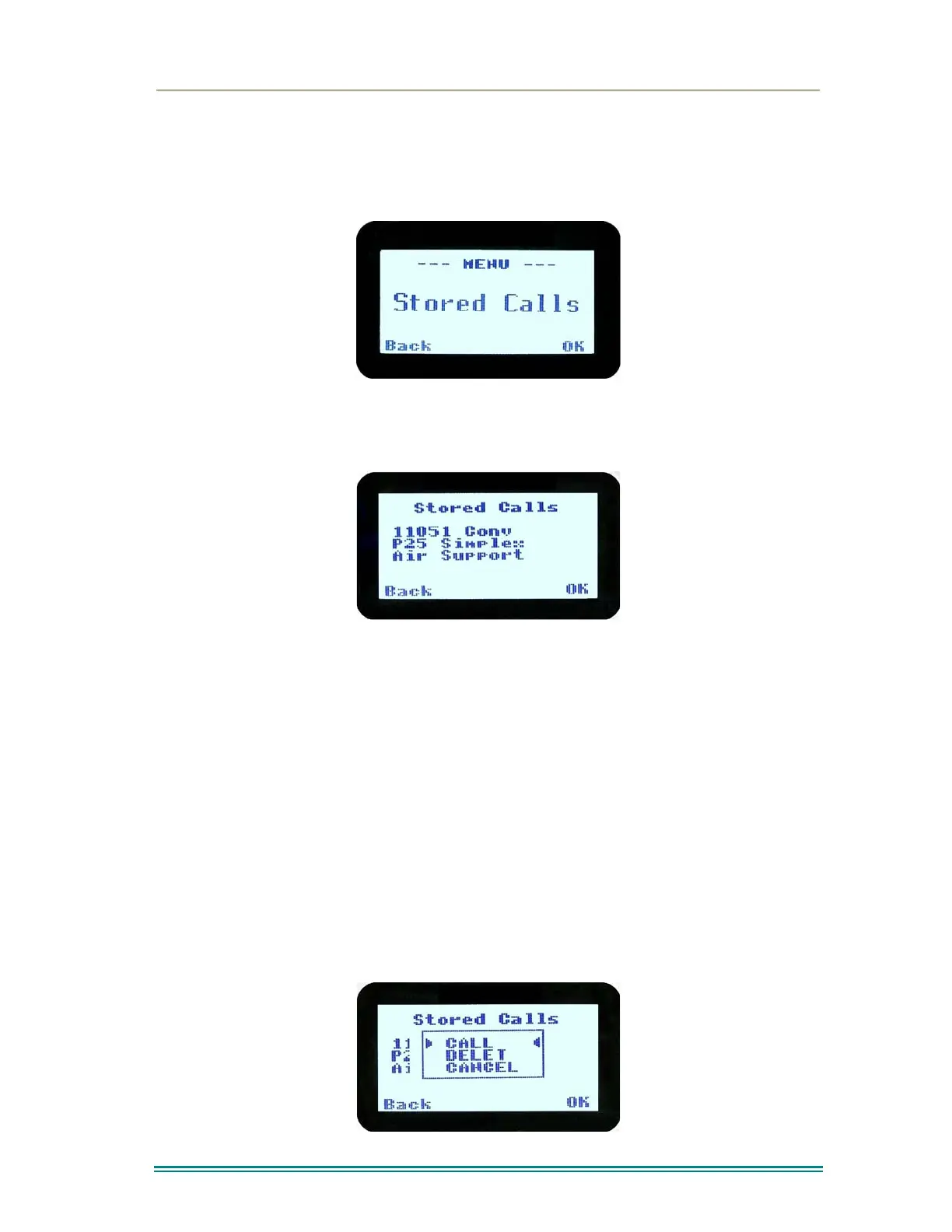
To view/answer/delete received call records, the Stored Calls screen is selected.
5.1.8 Stored Calls Screen
This screen displays the received individual call records one by one, starting with the most
recently received call record.
On the first line under the menu label, either the name of the caller from the phone book or
the unit ID is shown. The user ID is displayed if the ID is not known to the phone book. The
next line has the zone that call was received on and the line below shows the channel.
If stored calls are empty, NO RECORD is displayed.
The ▼ and ▲ keys can be used to step through the stored calls. An error beep will sound if
there are no more call records.
A “Reset” function key press (if configured) takes the radio back to the default screen
display.
The “Menu” or “Back” key returns to Menu screen. When “OK” key is pressed, a pop up
menu is displayed so that the message can be deleted or party called back.
5.1.9 Received Call Pop-Up Menu



 To Next Page