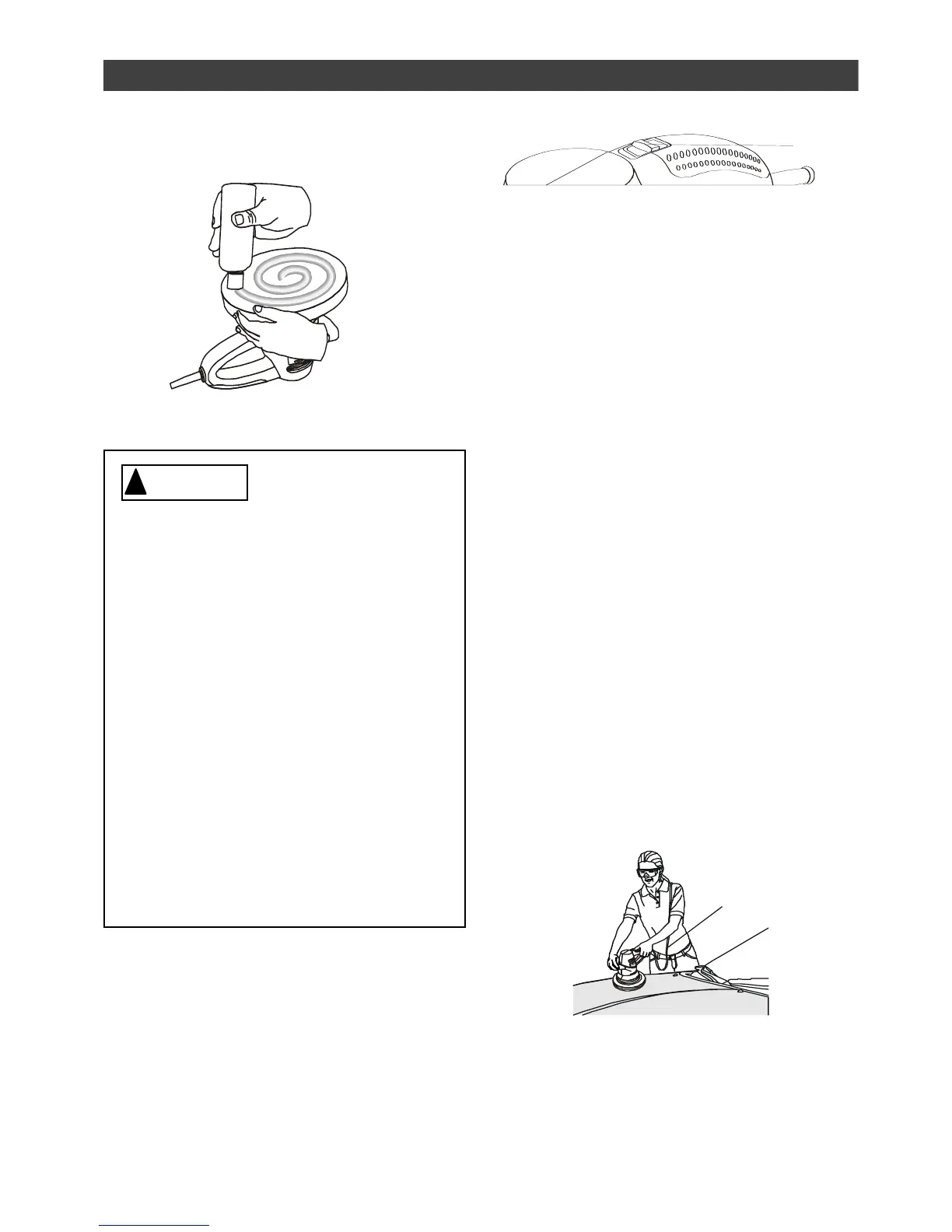
APPLYING LIQUID WAX TO BONNET –
cont’d
TURN BUFFER/POLISHER ON OR OFF
To turn the tool ON, push ON/OFF switch
(1) forward (see Fig. 4). To turn the tool
OFF, pull the ON/OFF switch backward.
APPLYING WAX TO SURFACE TO BE
POLISHED
NOTES:
a) To avoid splashing waxes, ALWAYS
start and stop the buffer/polisher on or
against the surface to be polished.
b) Apply wax in a thin, even coat. Too
much wax does not add any more
protection and only makes the wax removal
more difficult.
c) The random orbit motion of the
buffer/polisher provides wax application
that cannot be duplicated, not even “by
hand”.
IMPORTANT: DO NOT apply excessive
pressure against the work surface with this
tool. The random orbit motion feature on
this tool will perform better when less
pressure is applied. Applying excessive
pressure will slow the random orbital
motion and reduce the effectiveness of the
tool.
1. Place the extension cord (1) over your
shoulder to keep it safely out of your
way (see Fig. 5).
2. Turn the buffer/polisher ON.
Have you read “POWER TOOL
SAFETY”, “GUIDELINES FOR
EXTENSION CORDS”, “SPECIFIC
SAFETY RULES”, and “SYMBOLS”
on pages 3, 4, 5, 6 & 7 of this
Manual? If not, please do so now
before you operate this tool. Your
safety depends on it!
Every time you use the
buffer/polisher you should verify the
following:
1. Electrical cord is in good
condition.
2. Safety goggles and dust mask
are being worn.
Failure to adhere to these safety
rules can greatly increase the
chances of injury.



 To Next Page