man-en-smx-rns02.docx
© 2020 SIMPLINX
9. Web Interface
9.1. LAN Settings Page
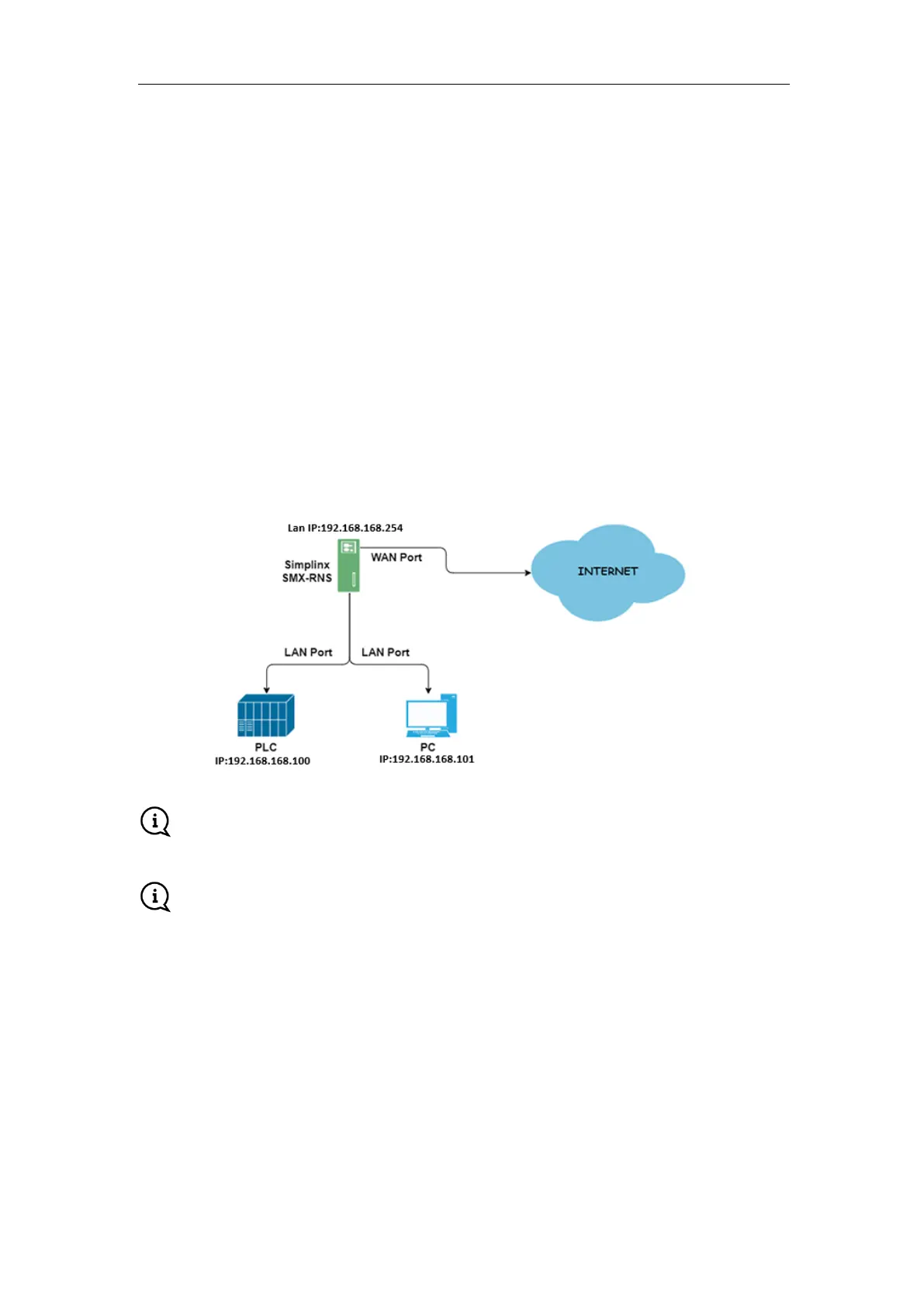
On the LAN Settings page, you can define the IP address, network mask and the IP address of your PC
when you make a remote connection. The network mask value you have entered will determine the
IP range of your devices which you will connect to your SMX-RNS02 module.
Example (Predefined)
IP: 192.168.168.254
Subnet Mask: 255.255.255.0
IP (PC): 192.168.168.250
In this case, you can assign all IP addresses in the range [192.168.168.1 –
192.168.168.249 ] and [192.168.168.251 - 192.168.168.253] for your field devices.
If you change the settings, you must restart the device for the new settings to take effect.
The IP address you will provide to your SMX-RNS02 Device & PC must be IP addresses that
are not used by other devices.



 To Next Page