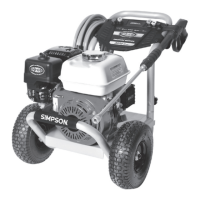
Page 6
UNPACKING
ASSEMBLY
Follow the steps outlined in this section to unpack and assemble your pressure washer.
If you have any questions regarding the unpacking or assembly of your pressure washer,
please have your model number and serial number ready, then contact customer support at
1-877-362-4271 or email cservice@fna-group.com.
1. Place the shipping carton on a solid, at surface.
2. Carefully cut the top of the carton open.
3. Carefully cut each corner of the carton from top to bottom.
4. Lay each side of the carton at on the ground.
5. Remove everything from the carton.
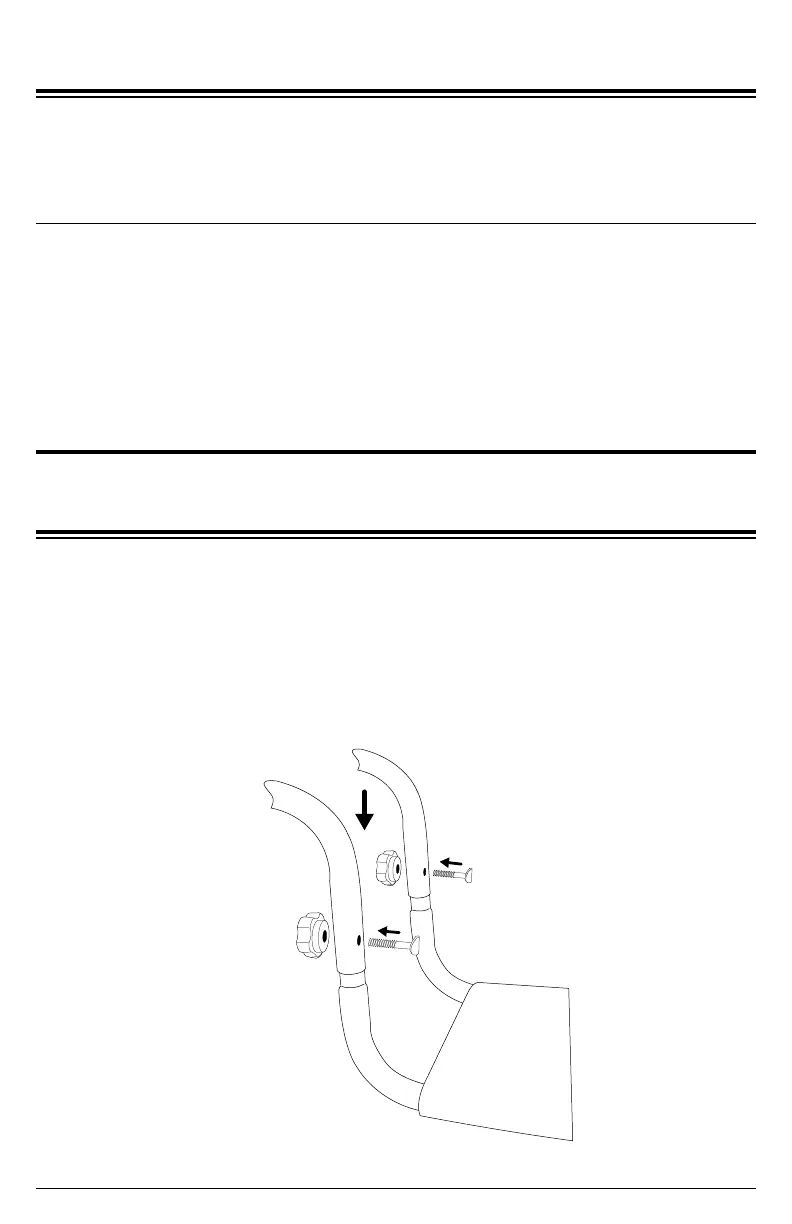
Install knob-style handle
Slide the handle onto the frame then secure
it with the included knobs and bolts.


 To Next Page