4. Sinarback eVolution Connections
FireWire IEEE 1394B Connection
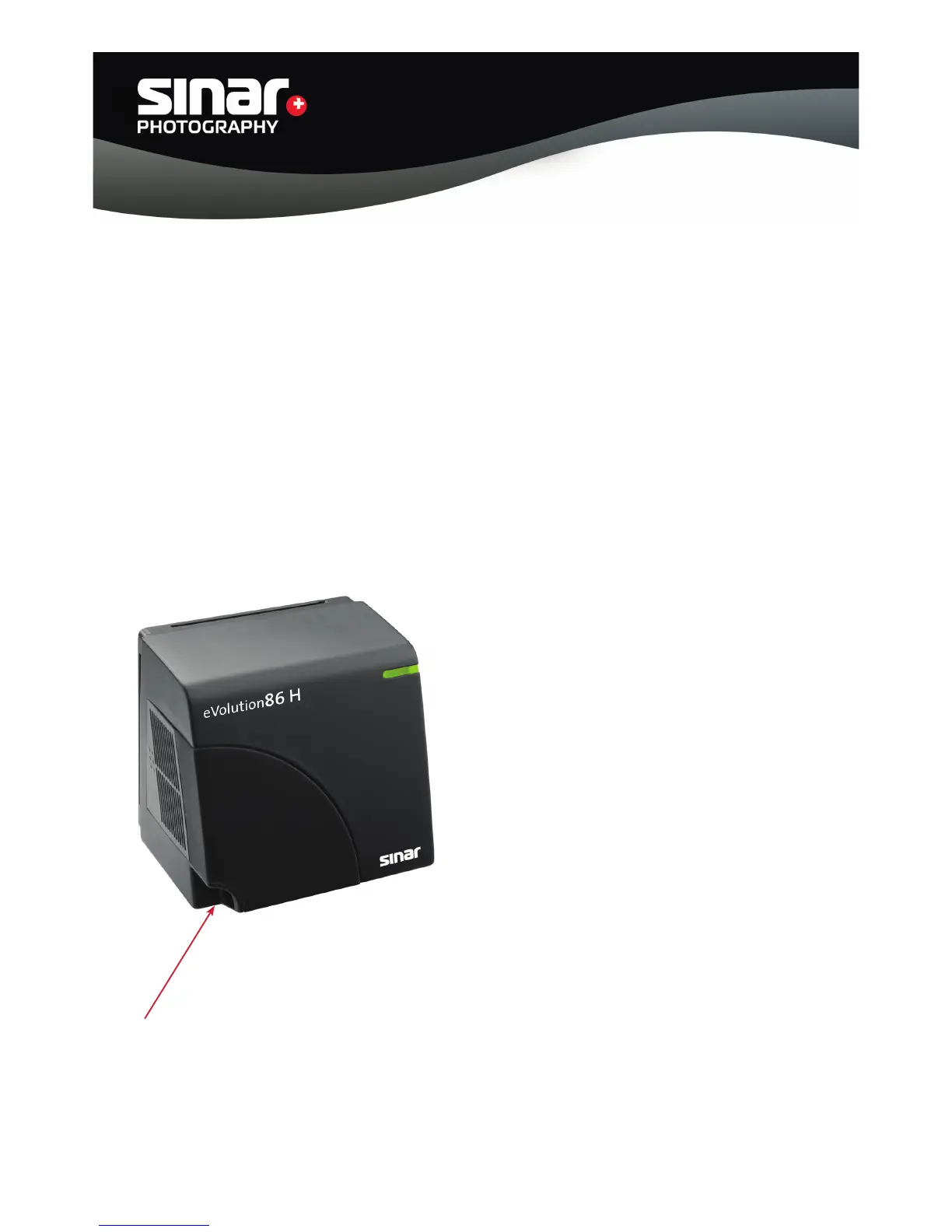
You can connect the Sinarback eVolution directly to the computer. In this operating mode, the image
data files are stored directly on the hard disk of your computer. The Sinarback eVolution is equipped
with a FireWire interface, which is located on the left bottom of the back. Use the FireWire cable
supplied with it to connect the Sinarback eVolution to your computer.
FireWire IEEE 1394B Connection
Sinar Photography AG - Farbhofstrasse 21 - 8048 Zürich/Switzerland
Phone +41 (0)44 217 80 30 - Fax +41 (0)44 217 80 50 - contact@sinar.ch - www.sinar.ch
13.10.10 - Seite 8



 To Next Page