3. Adaptions
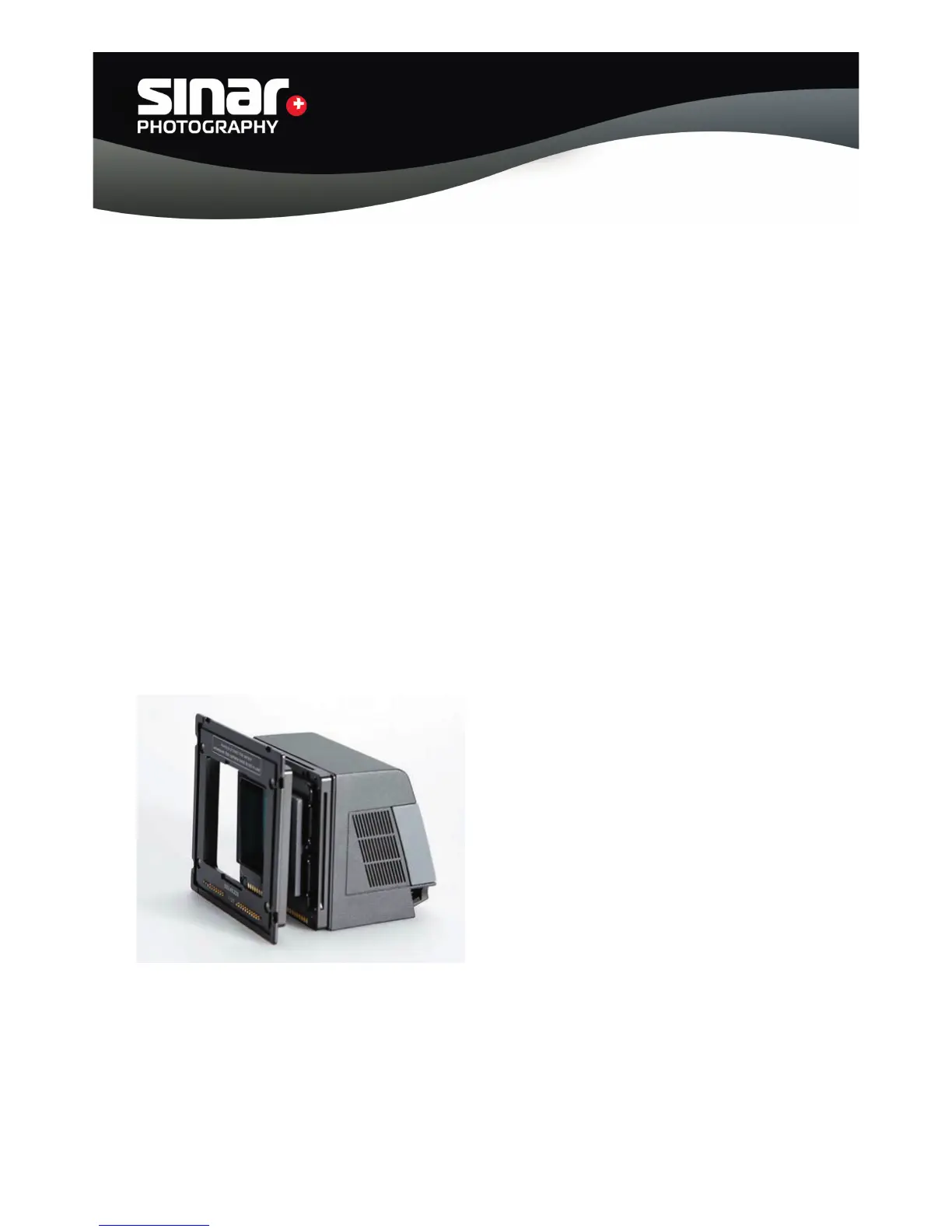
3.1. Attaching the Sinar m / Medium-Format Camera Adapter
The Adapter Plate is attached to the Sinarback by means of four recessed screws that are supplied
within the Adapterkit. Care should be taken not to tighten each screw all the way in one step, but
to tighten each one a little at a time, going around several times, so as to avoid skewing the adapter
frame.
A. Remove the protective CCD cover from the Sinar Digital Back.
B. Attach the Sinar Adapter Plate to the Sinarback by fi rst inserting all four screws lightly
and then gradually tightening them a little at a time, alternating working on each screw
diagonally from each other until all of them are fastened securely.
C. When the Sinarback is to be stored after being used, please use the protective CCD
cover that is supplied with the Sinarback.
D. Attach the Sinarback to the camera.
Sinar Photography AG - Farbhofstrasse 21 - 8048 Zürich/Switzerland
Phone +41 (0)44 217 80 30 - Fax +41 (0)44 217 80 50 - contact@sinar.ch - www.sinar.ch
13.10.10 - Seite 5



 To Next Page