17
singerinstruments.com
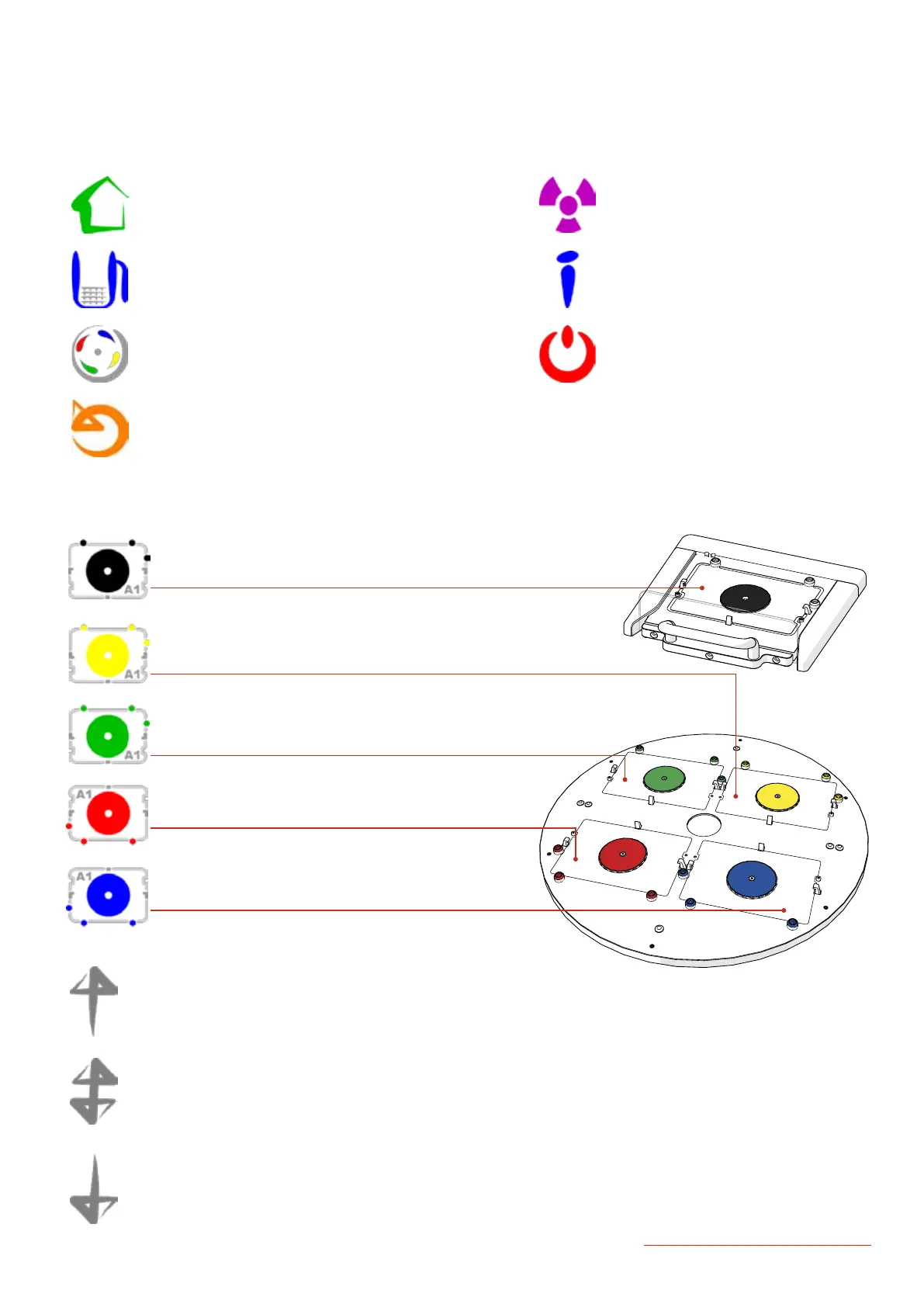
software icon guiDe
· Home: This will return you to the ROTOR Home Screen.
· Unload: This allows you to remove the Hopper from the
Home Screen.
· Rotate: This rotates the Turntable.
· Reset: This resets the ROTOR HDA.
· Load Plate
· Remove Plate
· Swap Plates
· UV: This opens the UV Lamp Options.
· Info: This opens the Info and Settings
Screen. Here you can access the
advanced options and online support.
· Off: Press to turn off the ROTOR HDA.
HOME SCREEN
LOADING PLATES


 To Next Page