2
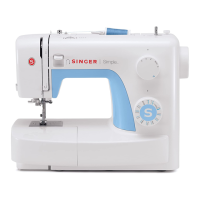
Installing the Removable Accessory Storage
19
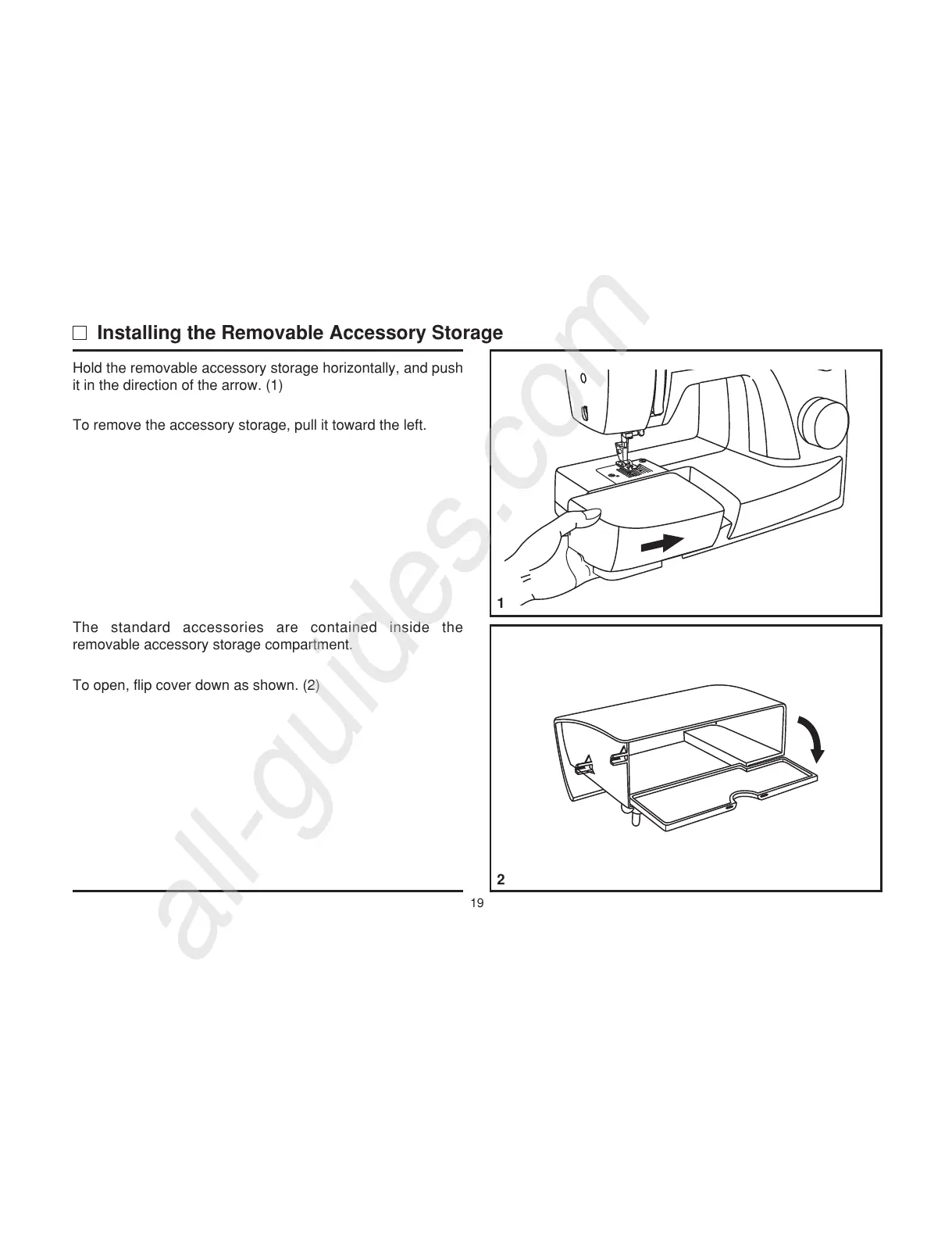
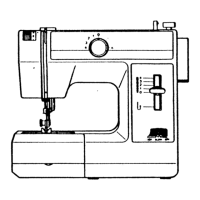
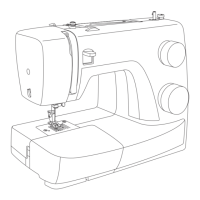
Hold the removable accessory storage horizontally, and push
it in the direction of the arrow. (1)
To remove the accessory storage, pull it toward the left.
The standard accessories are contained inside the
removable accessory storage compartment.
To open, flip cover down as shown. (2)
1


 To Next Page