-5-
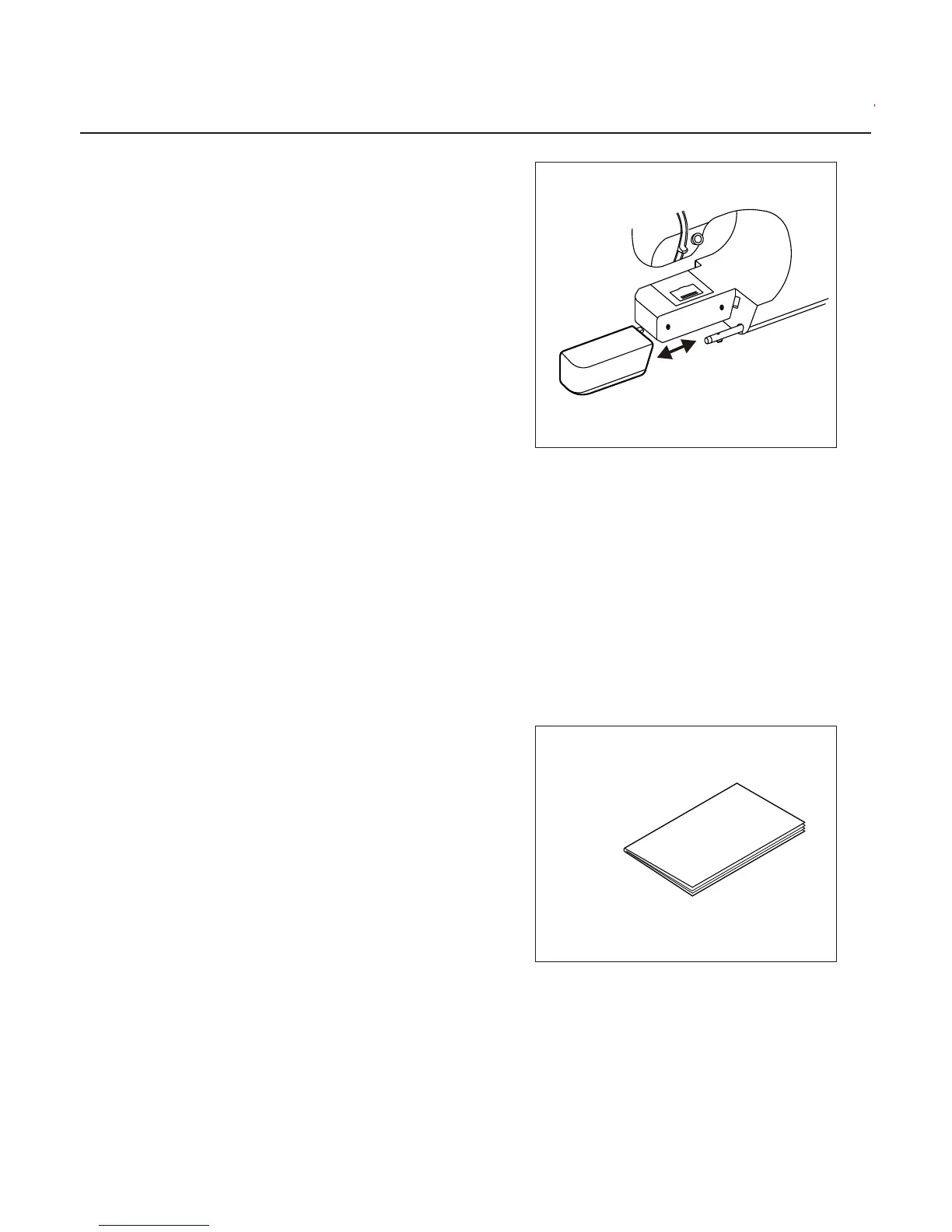
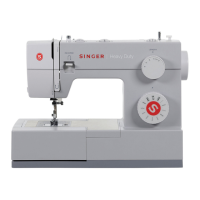
a.REMOVING THE EXTENSION TABLE
Hook your finger to the bottom of extension
table and slid to the left. To attach, insert to
the right.
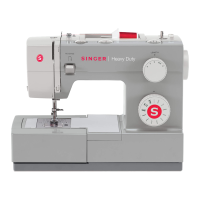
b.OPENING THE ACCESSORY CASE
Hook your finger to the left side of accessory
case and pull toward you.
DUST COVER
Cover the machine with dust cover when it is
not in use.
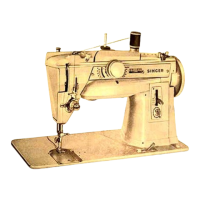
This manual will be stored on the holder
provided on the side of the cover.


 To Next Page