EasyManua.ls Logo

Singer C5605 - User Manual

Singer C5605
40 pages
Print Icon
To Next Page IconTo Next Page
Loading...
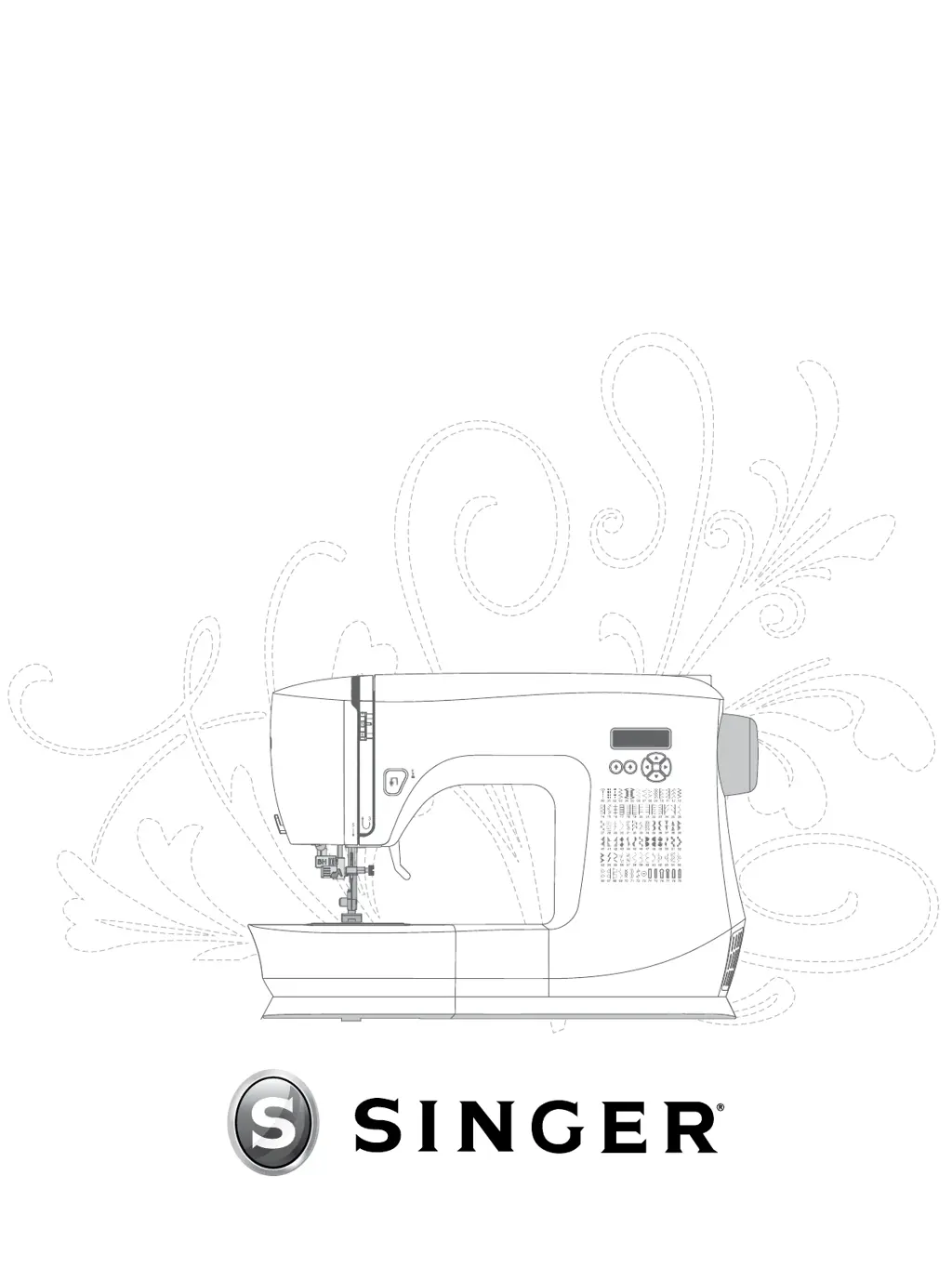
INSTRUCTION MANUAL
C5600 / C5605 / C5630 / C5635

Table of Contents

Questions and Answers

  • J
    Jasmine OliverAug 20, 2025
    How to fix thread loops on the underside of fabric with Singer C5605?
    • B
      Brandon SanchezAug 20, 2025
      Thread looping on the underside of the fabric typically means the upper thread isn't threaded correctly. Rethread the Singer Sewing Machine, ensuring you raise the presser foot lifter before you start. This allows the thread to properly sit in the tension mechanism and take-up lever.
  • R
    Renee PruittAug 22, 2025
    Why is the upper thread breaking on my Singer C5605 Sewing Machine?
    • B
      bcarterAug 22, 2025
      If the upper thread of your Singer Sewing Machine keeps breaking, check for these potential causes: * An obstructed thread path: Make sure the thread isn't caught on the spool or behind the spool cap. * Incorrect threading: Remove the upper thread completely, raise the presser foot lifter, and rethread the machine, ensuring the thread is in the take-up lever. * Upper tension too tight: Reduce the upper thread tension.
  • P
    perezstephenAug 25, 2025
    What to do if my Singer Sewing Machine is not feeding fabric?
    • A
      aaron32Aug 25, 2025
      If your Singer Sewing Machine won't feed fabric, ensure the presser foot lifter is lowered onto the fabric after threading, and avoid pushing or pulling the fabric as you sew. Also, check that the stitch length isn't set to zero; if it is, increase the stitch length setting.
  • B
    bmorrisonAug 26, 2025
    What to do if my Singer C5605 is skipping stitches?
    • J
      jason55Aug 27, 2025
      If your Singer Sewing Machine is skipping stitches, make sure the flat side of the needle top is toward the back of the machine, and the needle is as far up as it can go before tightening the needle clamp screw. Also, ensure you're using the correct needle style and size for your fabric, and discard and replace the needle if it's bent, dull, or damaged.
  • A
    Alisha LaraAug 28, 2025
    Why is the bobbin thread showing on top of the fabric with my Singer C5605?
    • T
      Tara JohnsonAug 28, 2025
      If the bobbin thread is showing on top of the fabric when using your Singer Sewing Machine, it could be due to a few reasons. The top thread might be too tight, so try reducing the upper thread tension. Also, check that the thread path isn't obstructed, and the thread moves freely. Finally, make sure the bobbin thread is correctly placed in the bobbin case tension by rethreading the bobbin.
  • C
    christopher22Aug 30, 2025
    What causes needles to break on a Singer C5605?
    • E
      Emily GillAug 30, 2025
      Several factors can cause the needles to break while using your Singer Sewing Machine. The needle may be bent, dull, or damaged, so discard it and insert a new one. It's also possible that you're using the wrong size needle for the fabric, so insert the appropriate needle for the fabric type. Ensure the machine is threaded correctly by rethreading it completely. Avoid pushing or pulling the fabric; instead, allow the machine's feed teeth to draw the fabric under the presser foot as you guide it.
  • C
    Cody StrongSep 1, 2025
    Why won't my Singer C5605 Sewing Machine run?
    • L
      linashleySep 1, 2025
      If your Singer Sewing Machine won't run, first, check if the bobbin winding spindle is engaged and disengage it by pushing it to the left. Also, ensure the power cord and foot control are correctly plugged into both the machine and the power supply. Finally, make sure you're using the correct bobbins (SINGERĀ® Class 15 metal bobbins) and not substituting them with other styles.
  • N
    ncortezSep 3, 2025
    How to troubleshoot bobbin winding difficulties on a Singer Sewing Machine?
    • B
      Breanna PowersSep 3, 2025
      If you're having bobbin winding difficulties with your Singer Sewing Machine, make sure the thread is placed snugly in the bobbin winding tension disc when you rewind the bobbin. Check that the bobbin winding spindle is fully engaged before starting to wind. Also, before starting to wind, hold the thread tail securely and trim it close to the bobbin after it partially fills.
  • L
    leejasonSep 5, 2025
    Why is the bobbin thread breaking on my Singer C5605?
    • A
      Ashley NewmanSep 5, 2025
      If you're experiencing bobbin thread breaking with your Singer Sewing Machine, check that the bobbin is placed correctly in the bobbin holder. If the bobbin was wound too full or unevenly, it may not have been correctly placed into the bobbin winding tension disc during the winding process. Also, clean the bobbin holder if there's dirt or lint inside. Finally, ensure you're using the correct bobbins (SINGERĀ® Class 15 metal bobbins) and not substituting them.
  • K
    Keith CampbellSep 7, 2025
    Why is my Singer Sewing Machine making a loud noise?
    • N
      ncunninghamSep 7, 2025
      If your Singer Sewing Machine is making a loud noise, first, make sure the thread is correctly placed in the take-up lever. Rethread the machine, raising the take-up lever to its highest position by turning the hand wheel toward you. Also, check for any obstructions in the thread path, like the thread being caught on the spool or behind the spool cap.

Summary

IMPORTANT SAFETY INSTRUCTIONS

General Safety Precautions

Basic safety precautions and warnings for using the sewing machine.

Specific Safety Guidelines

Detailed instructions for safe operation, maintenance, and user interaction.

PREPARATIONS AND SETUP

OPERATING YOUR MACHINE

Machine Operation Controls

Explains the Reverse button, Tie-Off function, and control panel layout.

Control Panel Functions

Details the display, stitch selection, and manual adjustment buttons.

Stitch Selection and Adjustment

How to select stitches and manually adjust length, width, and needle position.

SEWING TECHNIQUES

Basic Sewing and Seam Finishing

Guides on starting to sew, changing needle position, direction, and finishing seams.

Buttonholes and Zippers

Instructions for sewing buttonholes and zippers using specific feet.

MAINTENANCE AND CLEANING

TROUBLESHOOTING GUIDE

Thread and Bobbin Issues

Solves problems like thread loops, breaking, showing on fabric, and bobbin winding.

Fabric and Stitch Performance

Addresses fabric puckering, tunneling, noise, needle issues, and feeding problems.

Singer C5605 Specifications

General IconGeneral
TypeElectronic
Needle ThreaderYes
LCD ScreenYes
SpeedAdjustable
Foot ControlYes
Drop FeedYes
Speed ControlYes
Start/Stop ButtonYes
Bobbin SystemTop Drop-In
Sewing Speed750 stitches per minute
WeightApprox. 14 lbs
Stitch OptionsBasic, stretch, decorative, and quilting stitches

Related product manuals