ab
c
S1
21
EN
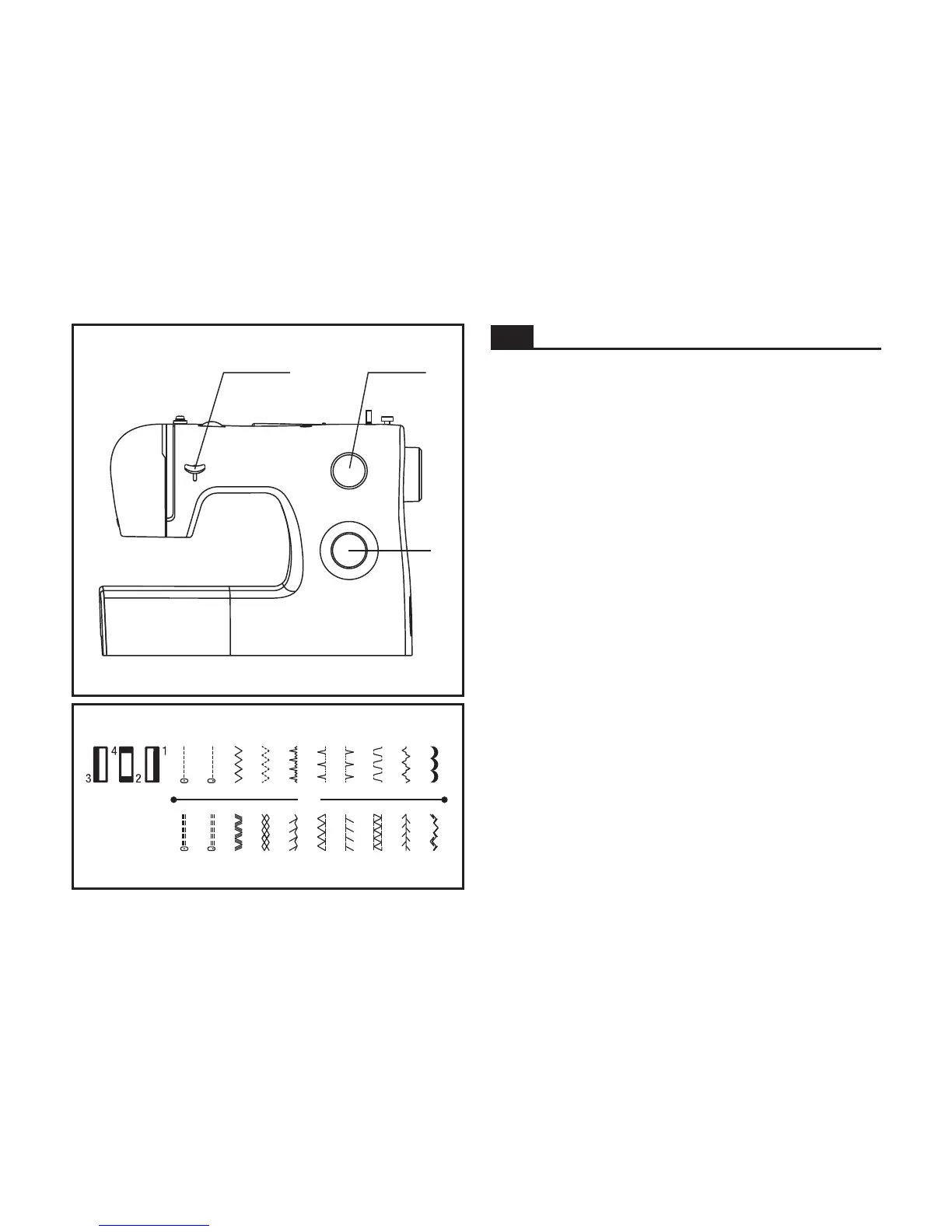
The diagram on this page displays the stitch patterns
available on the machine.
Stitches in the top row of the diagram are indicated on the
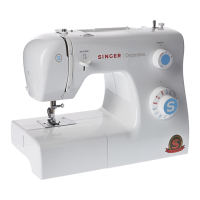
Pattern Selector Dial in black. To select the patterns indicated
with the black color, turn the Pattern Selector Dial. (c) Then,
use the Stitch Length Dial (b) to adjust the stitch length as
desired for the project.
Stitches in the bottom row of the diagram are indicated on
the Pattern Selector Dial in blue. The blue indicates that the
stitch is a stretch stitch pattern, and information on how to
sew these stretch patterns is on page 29.
The Pattern Selector Dial may be turned in either direction.
a. Reverse Sewing Lever
b. Stitch Length Dial
c. Pattern Selector Dial
How to Choose Your Pattern







 To Next Page